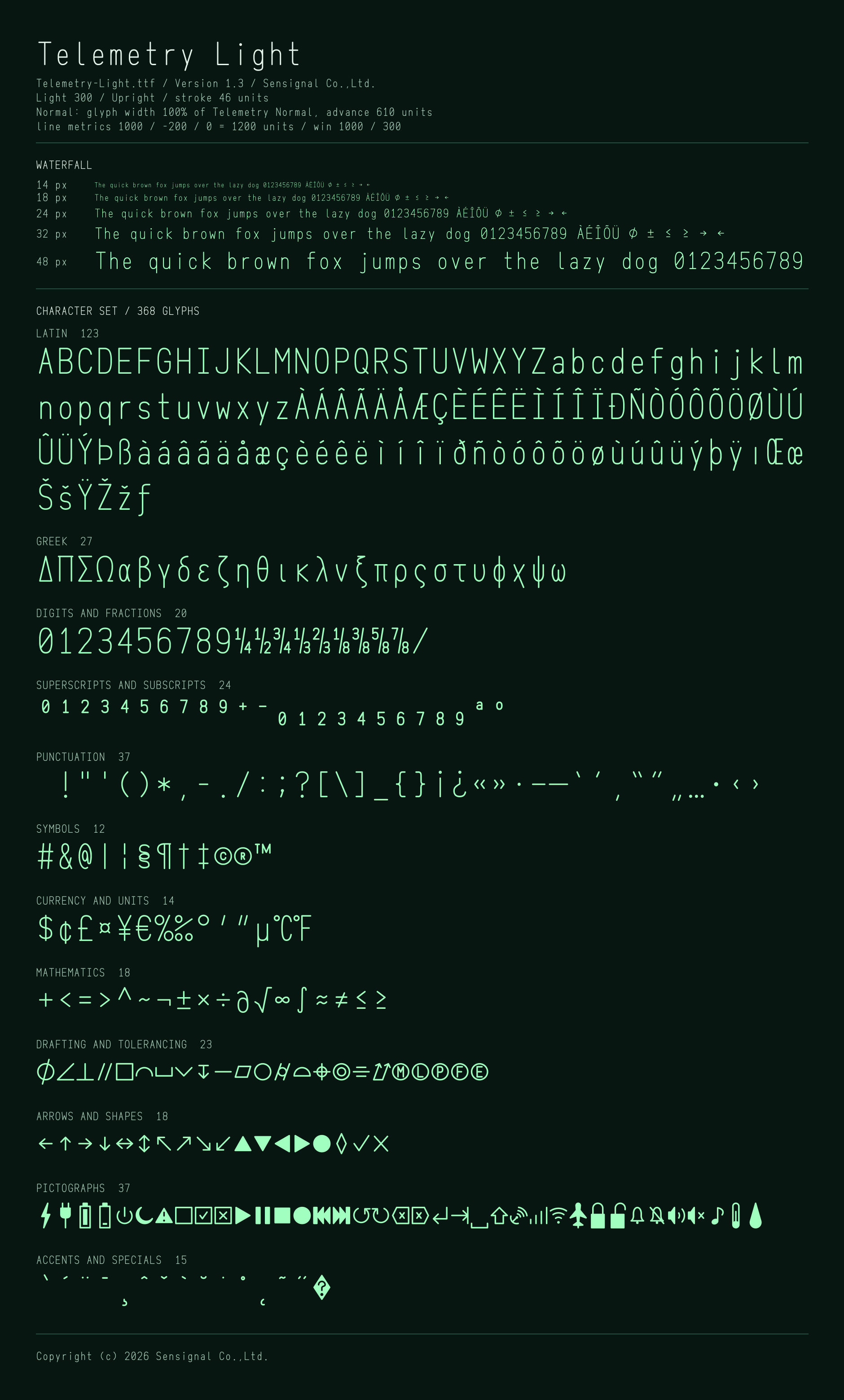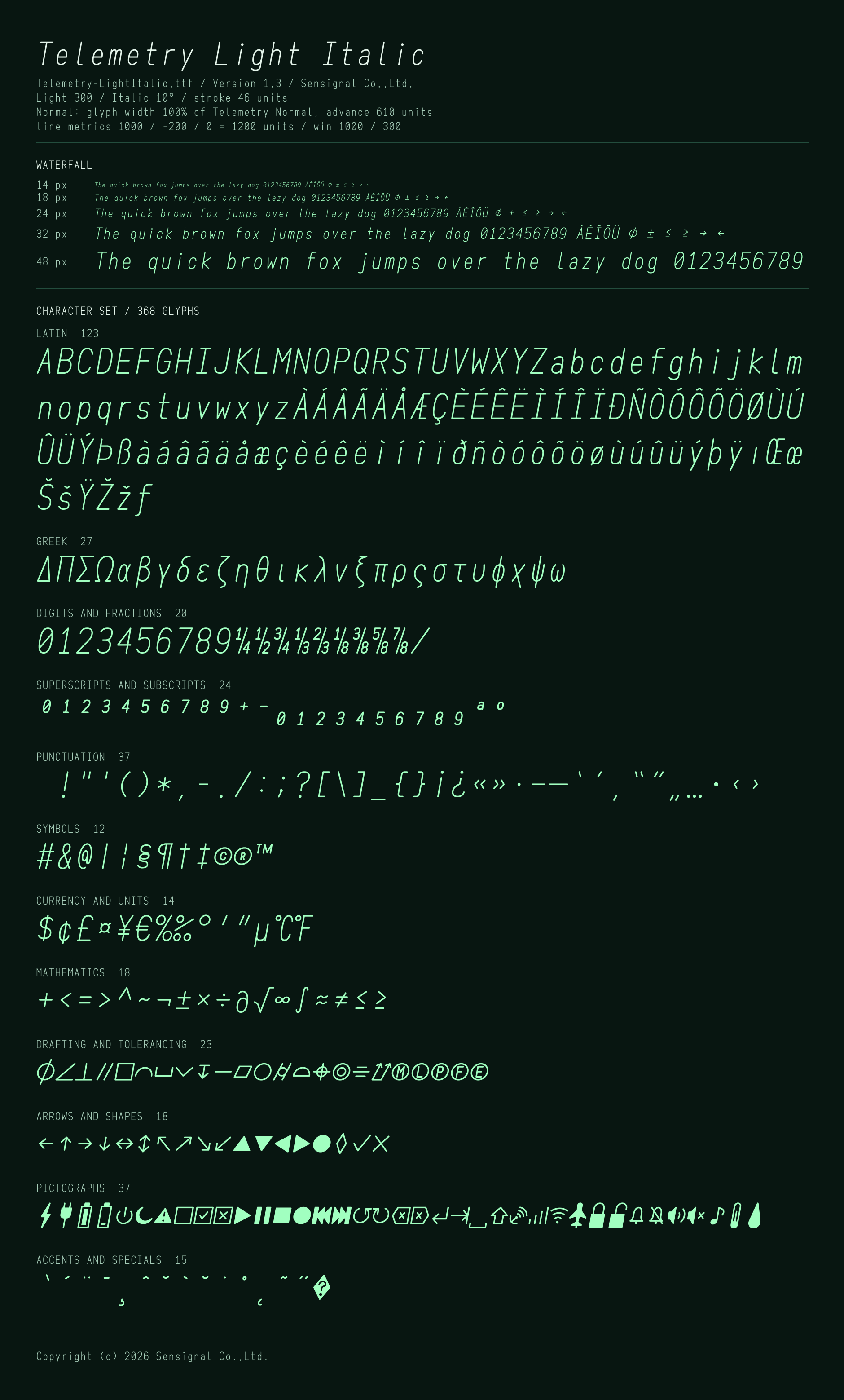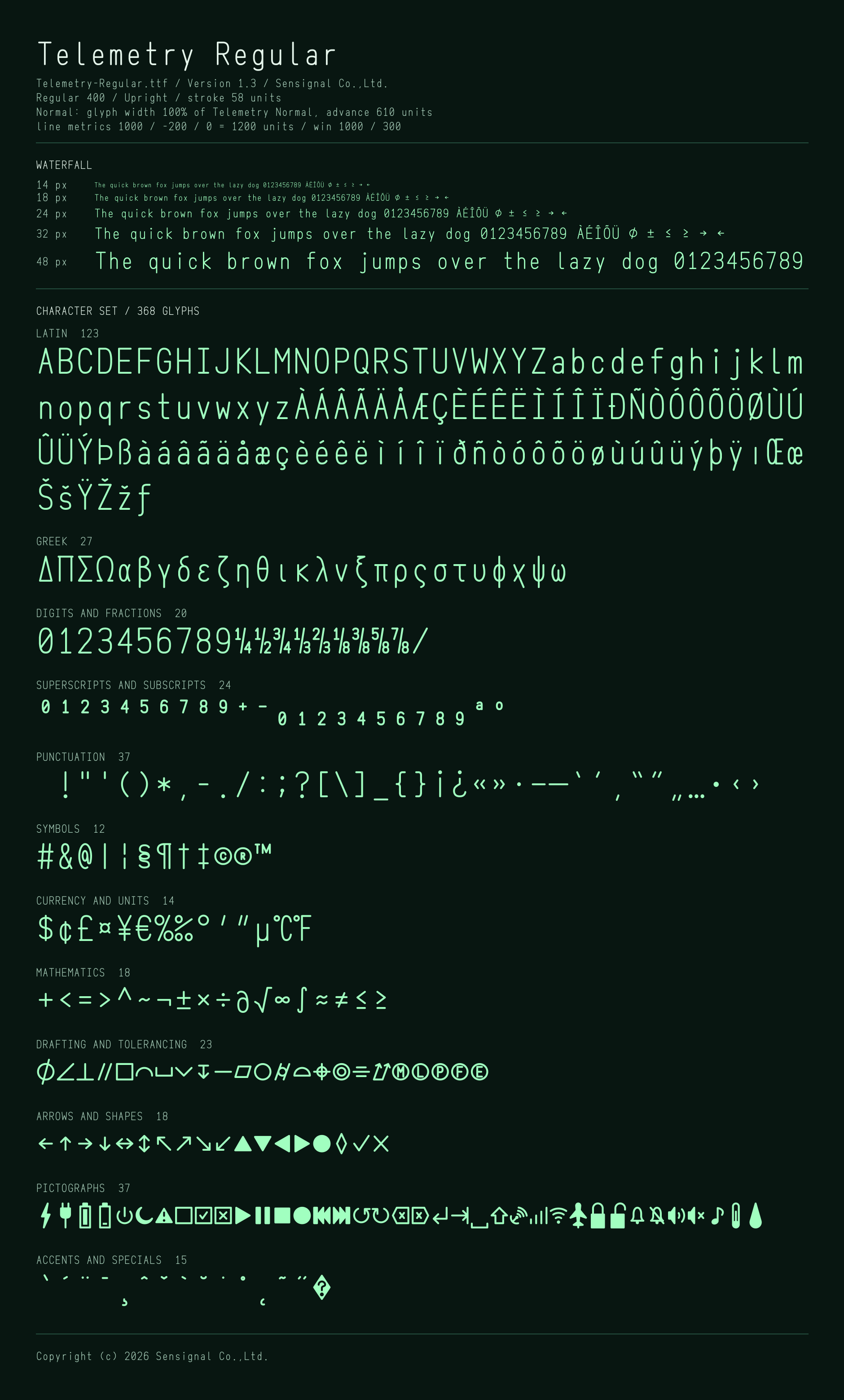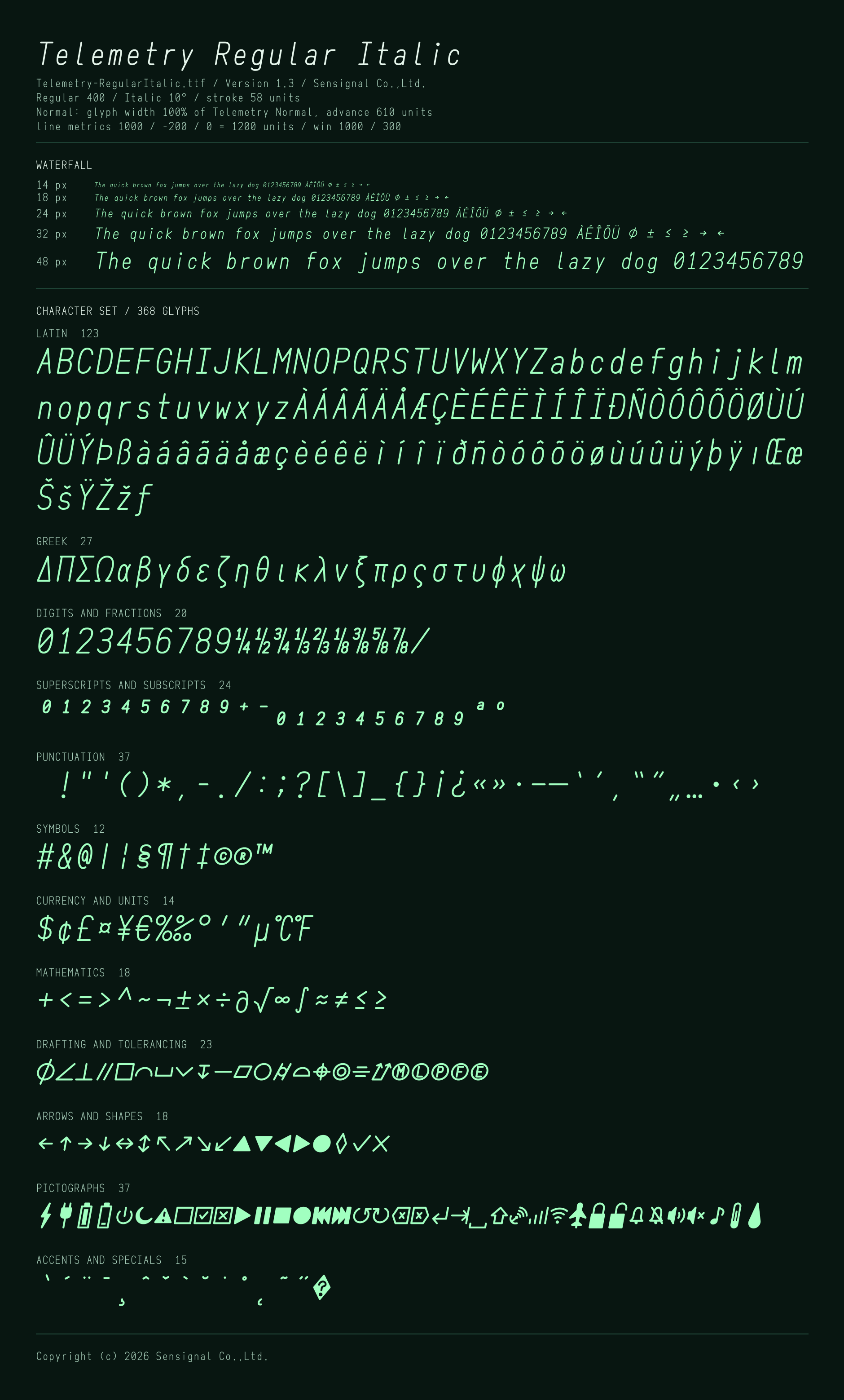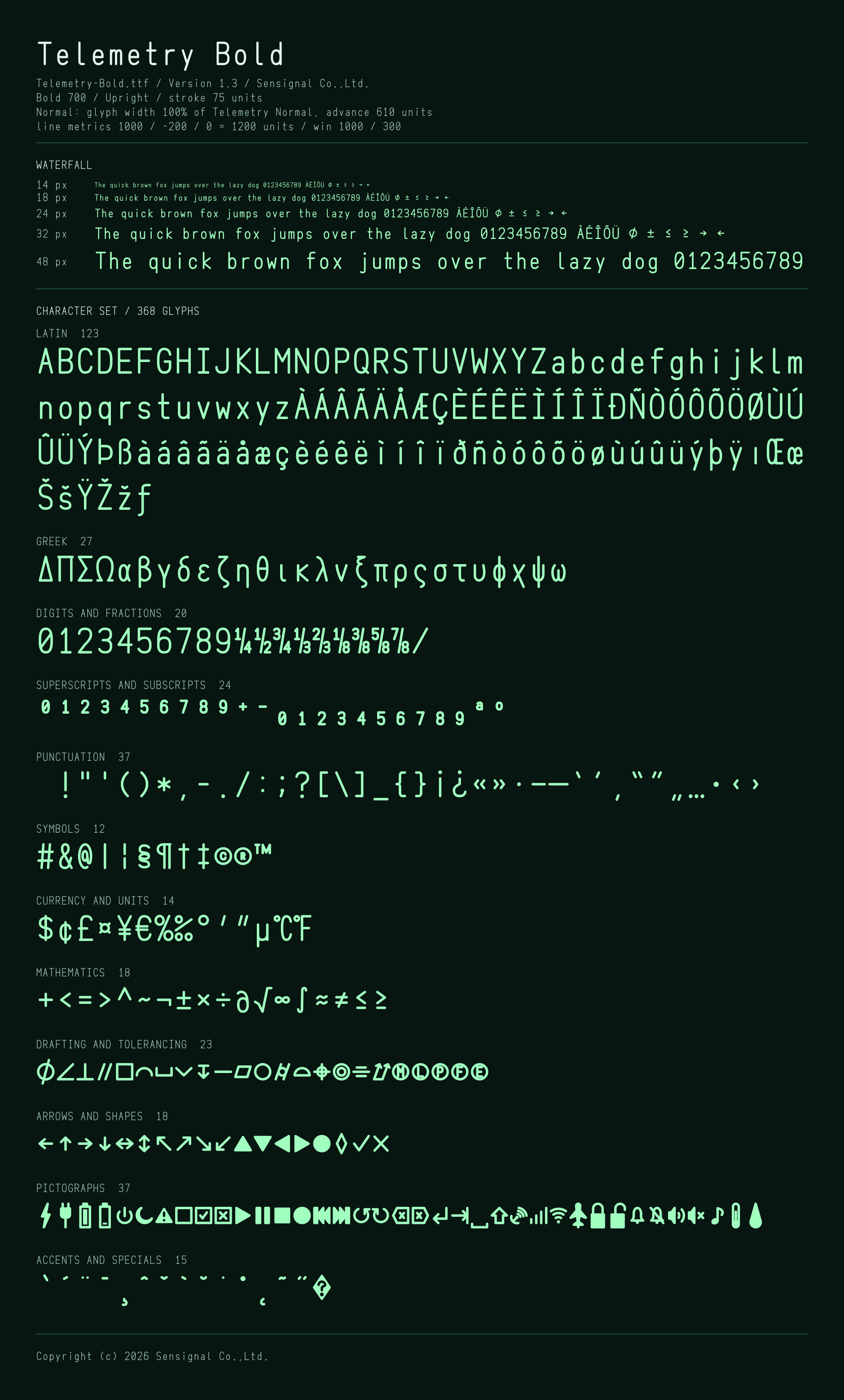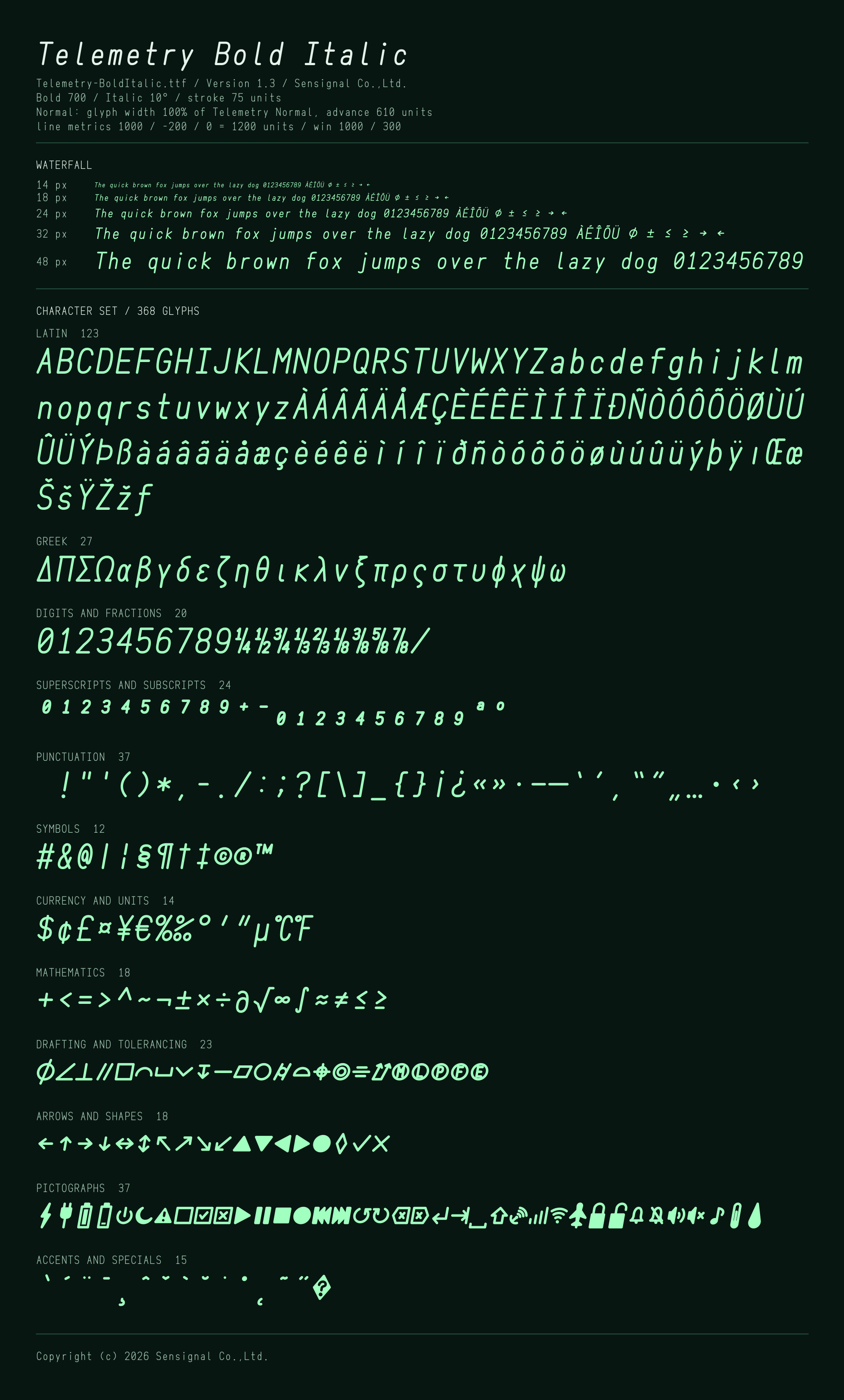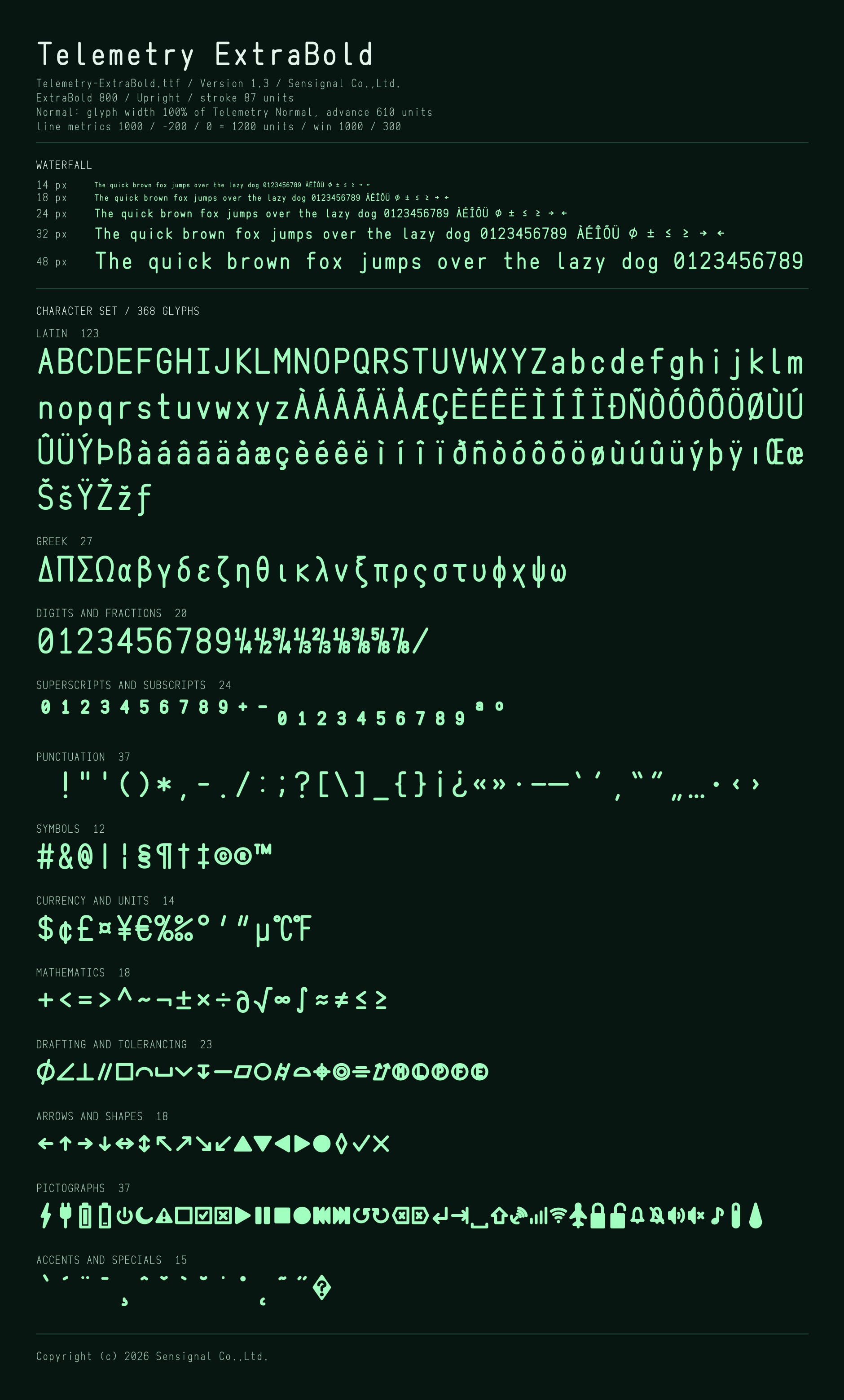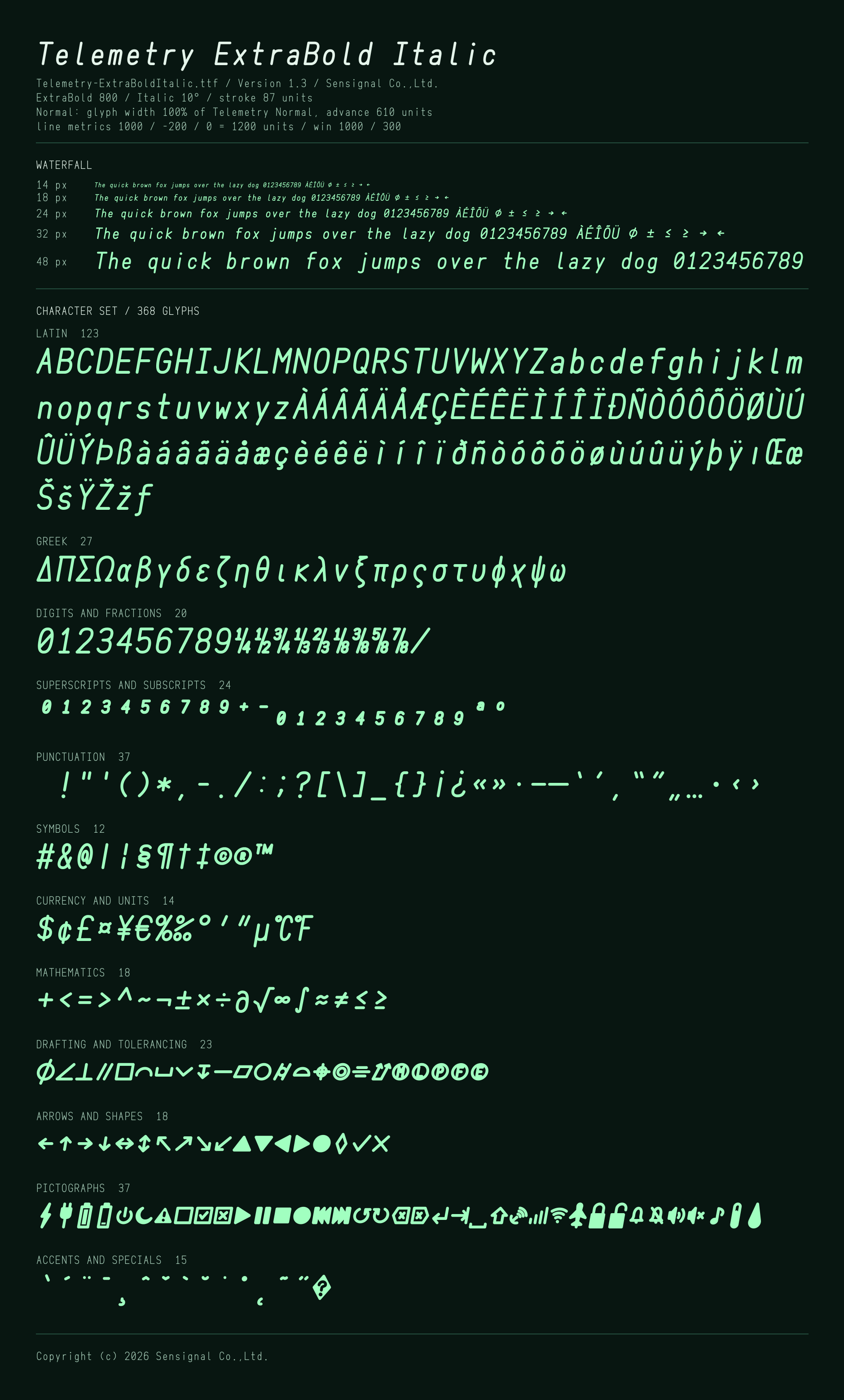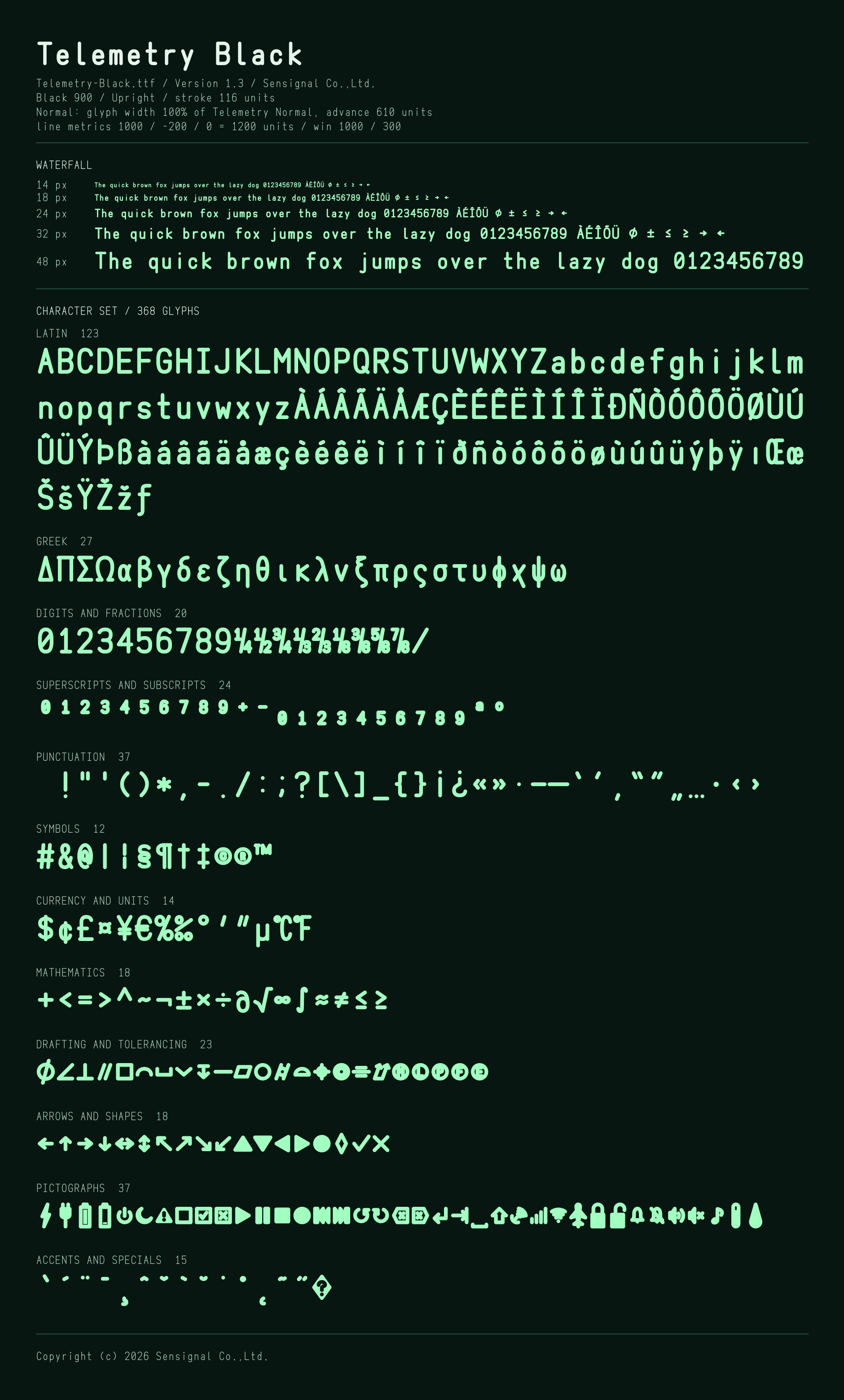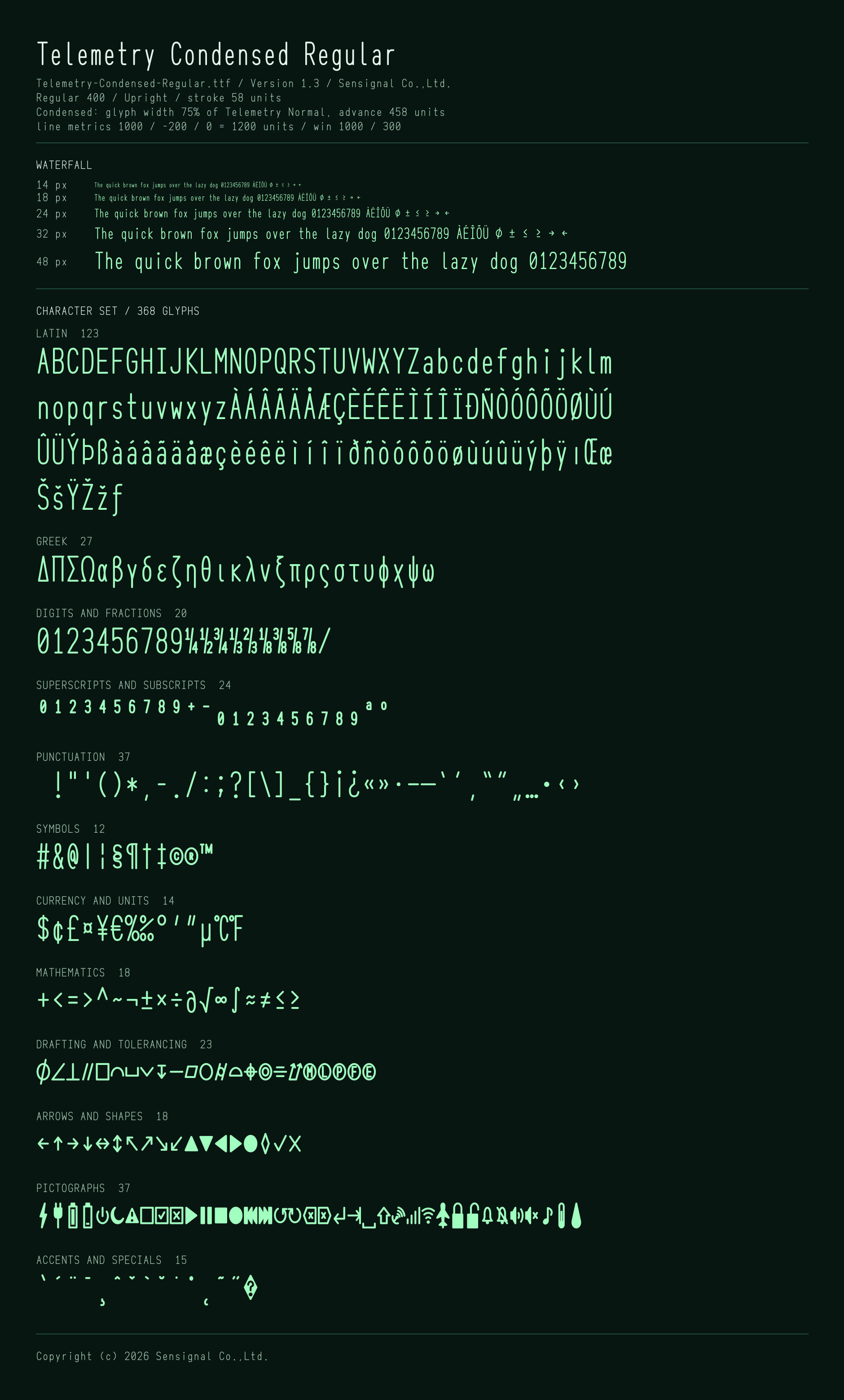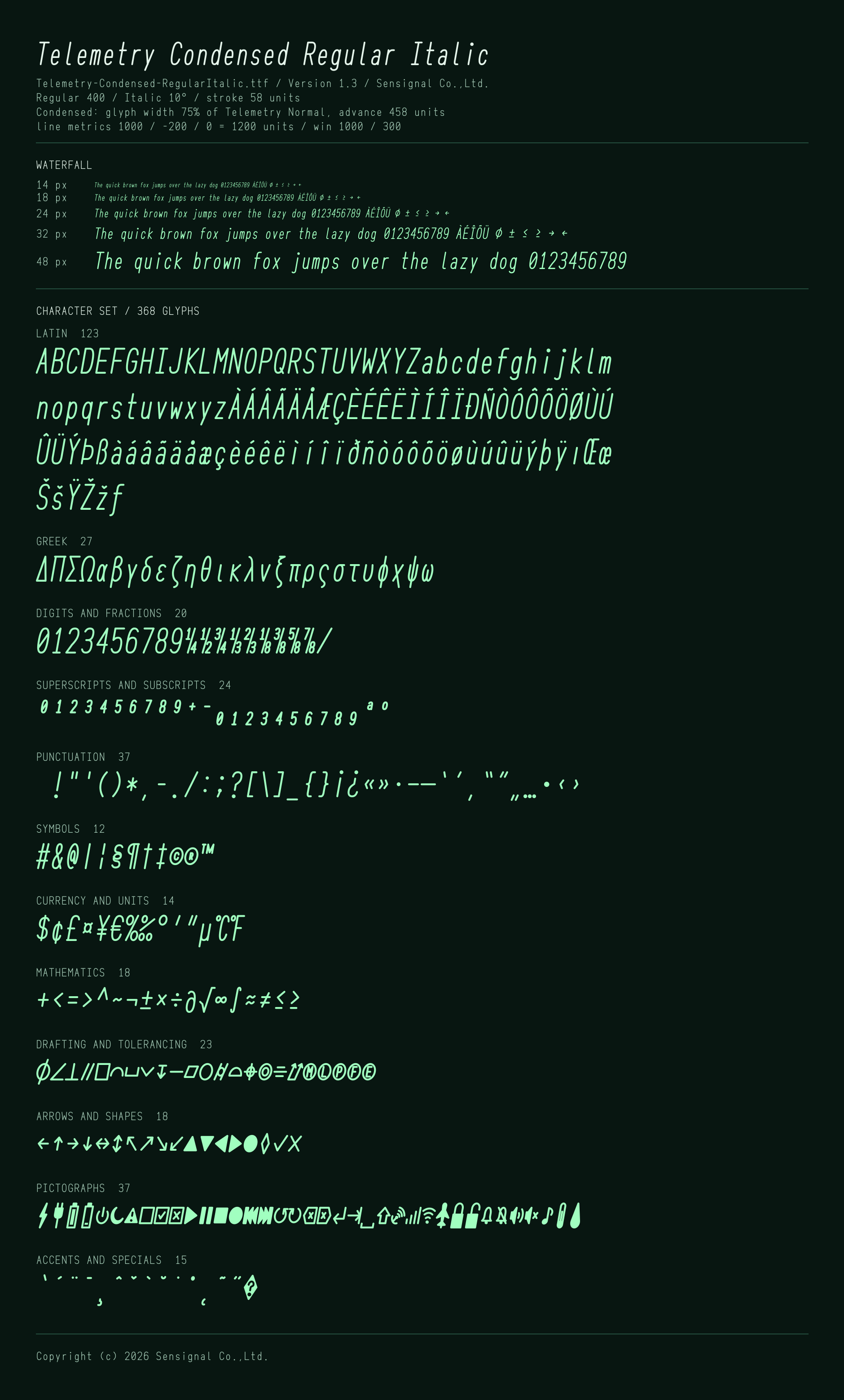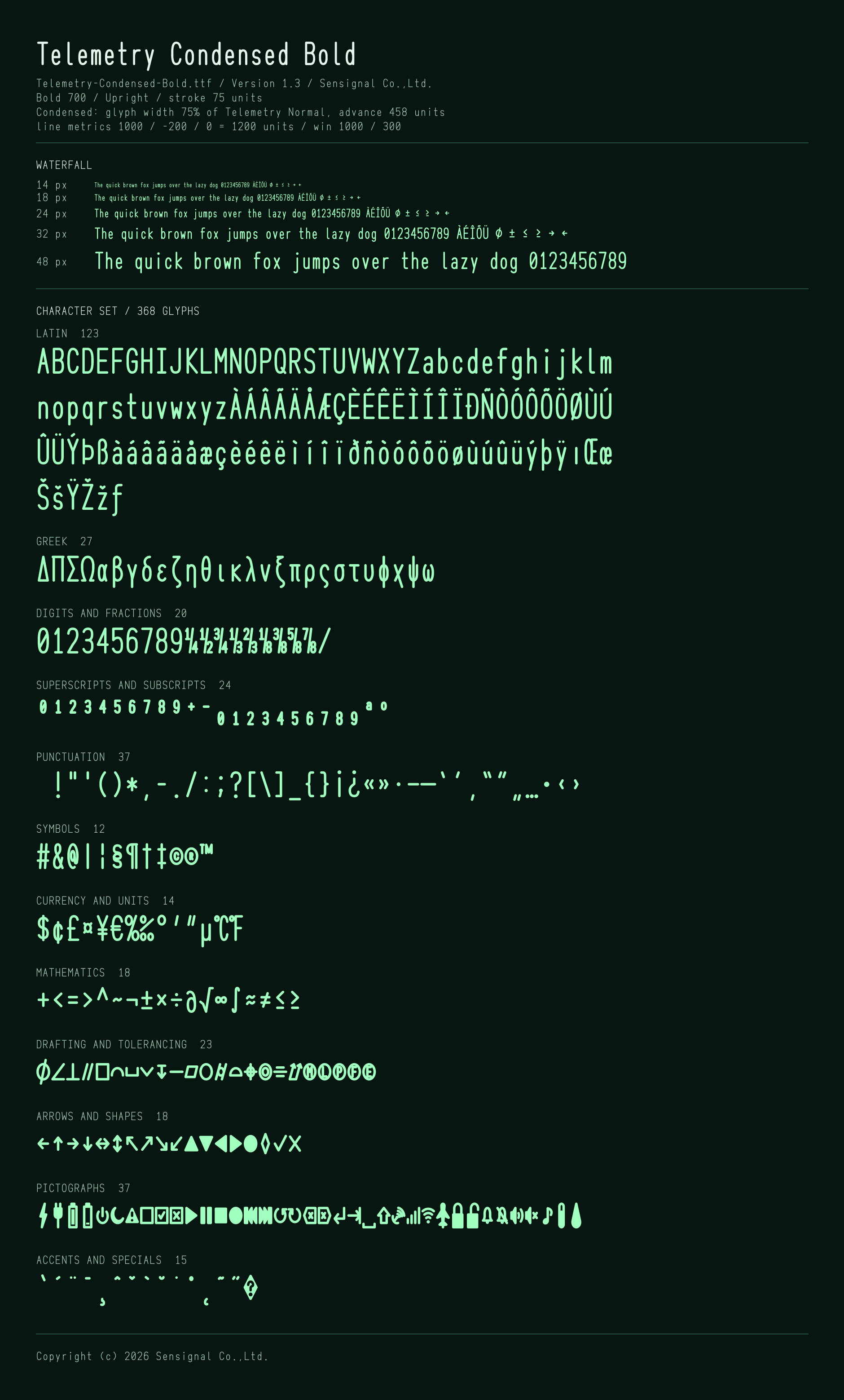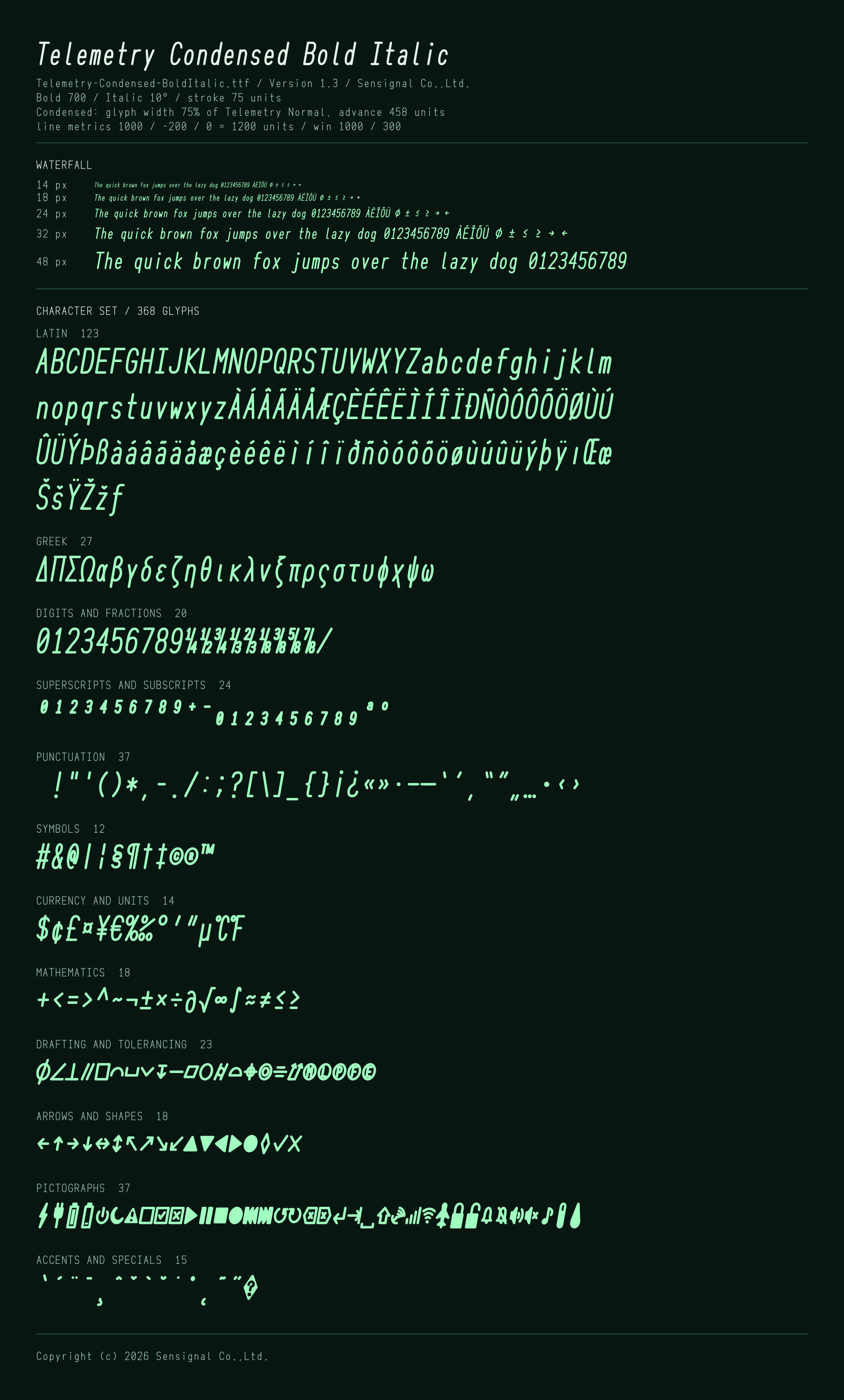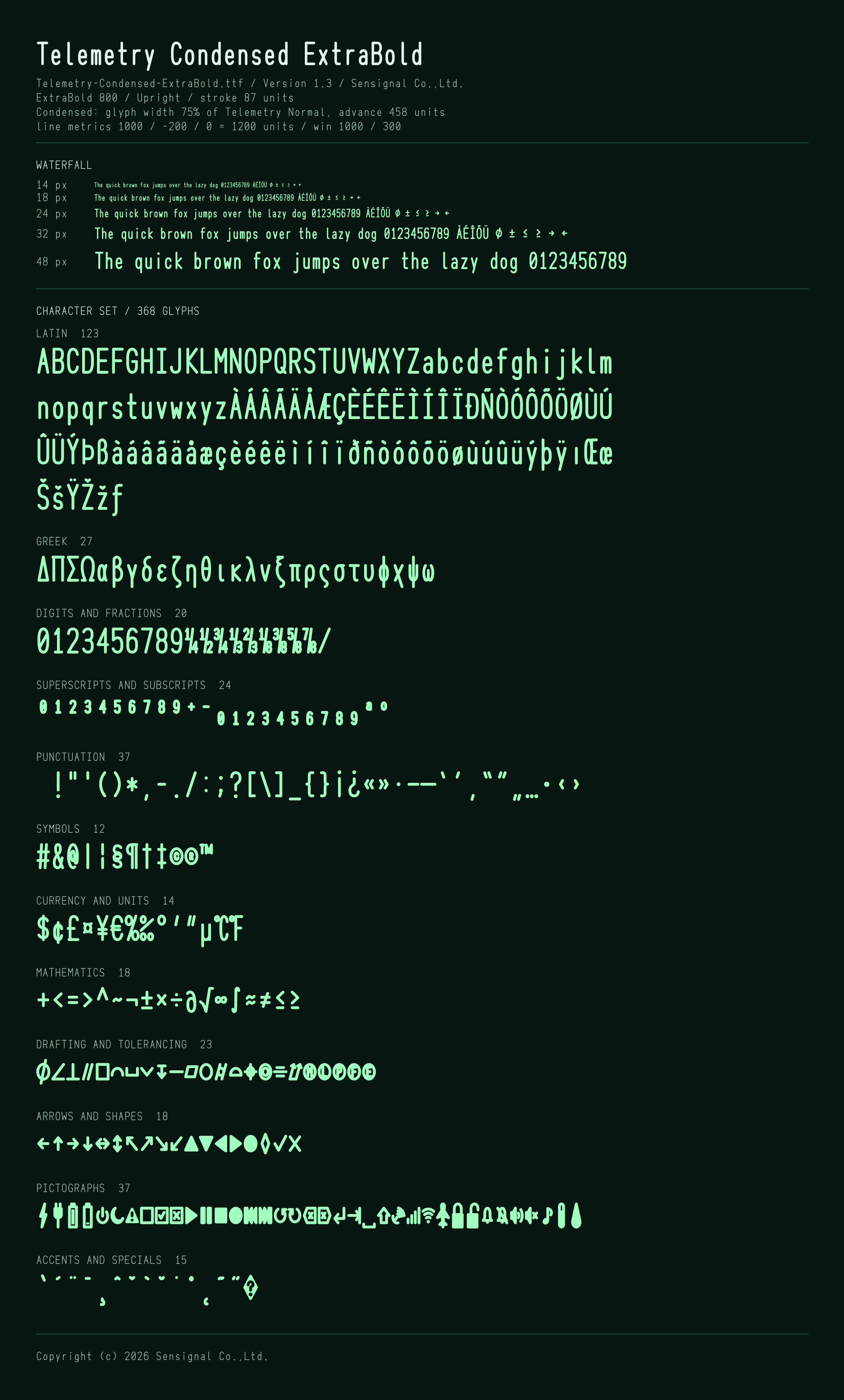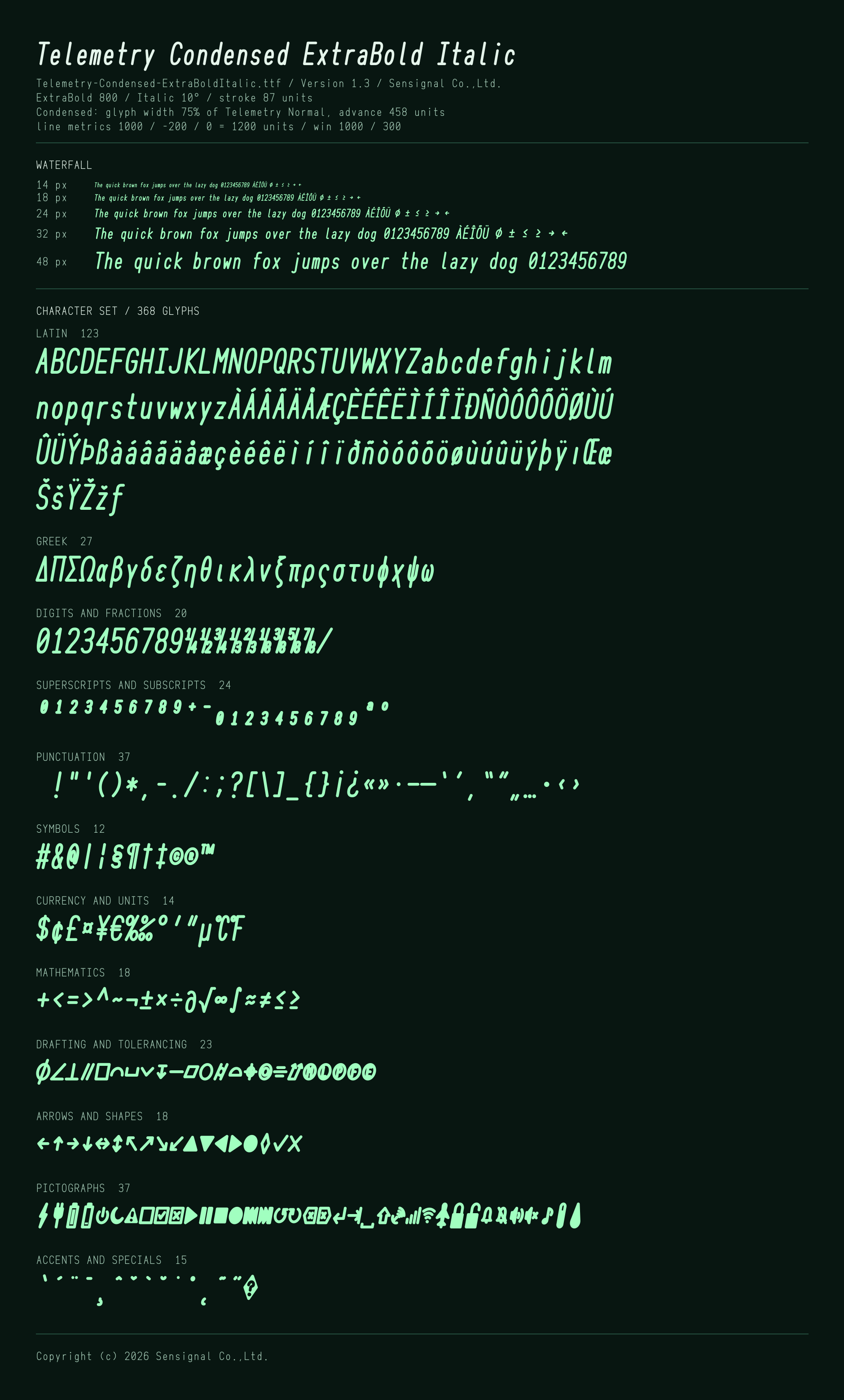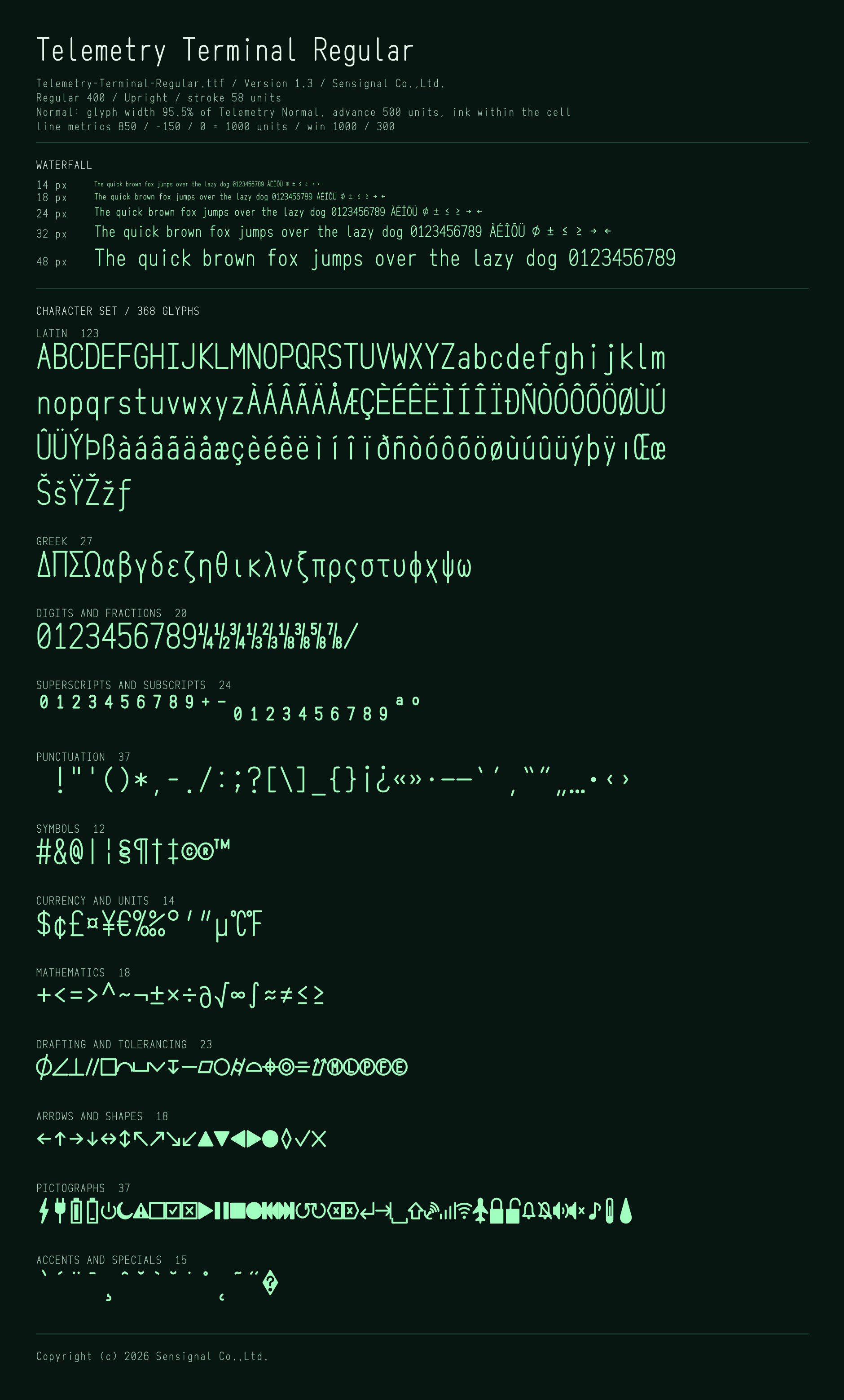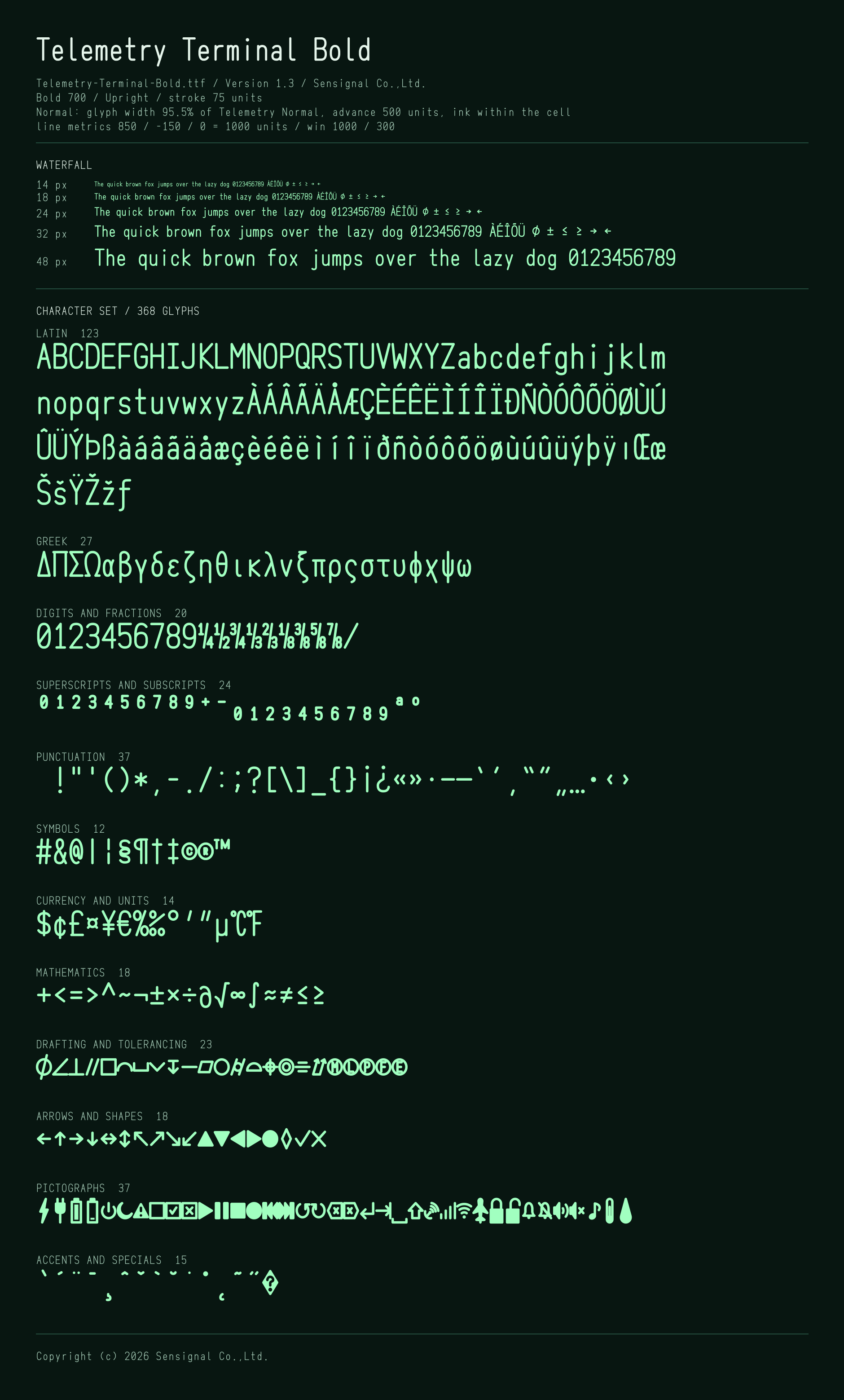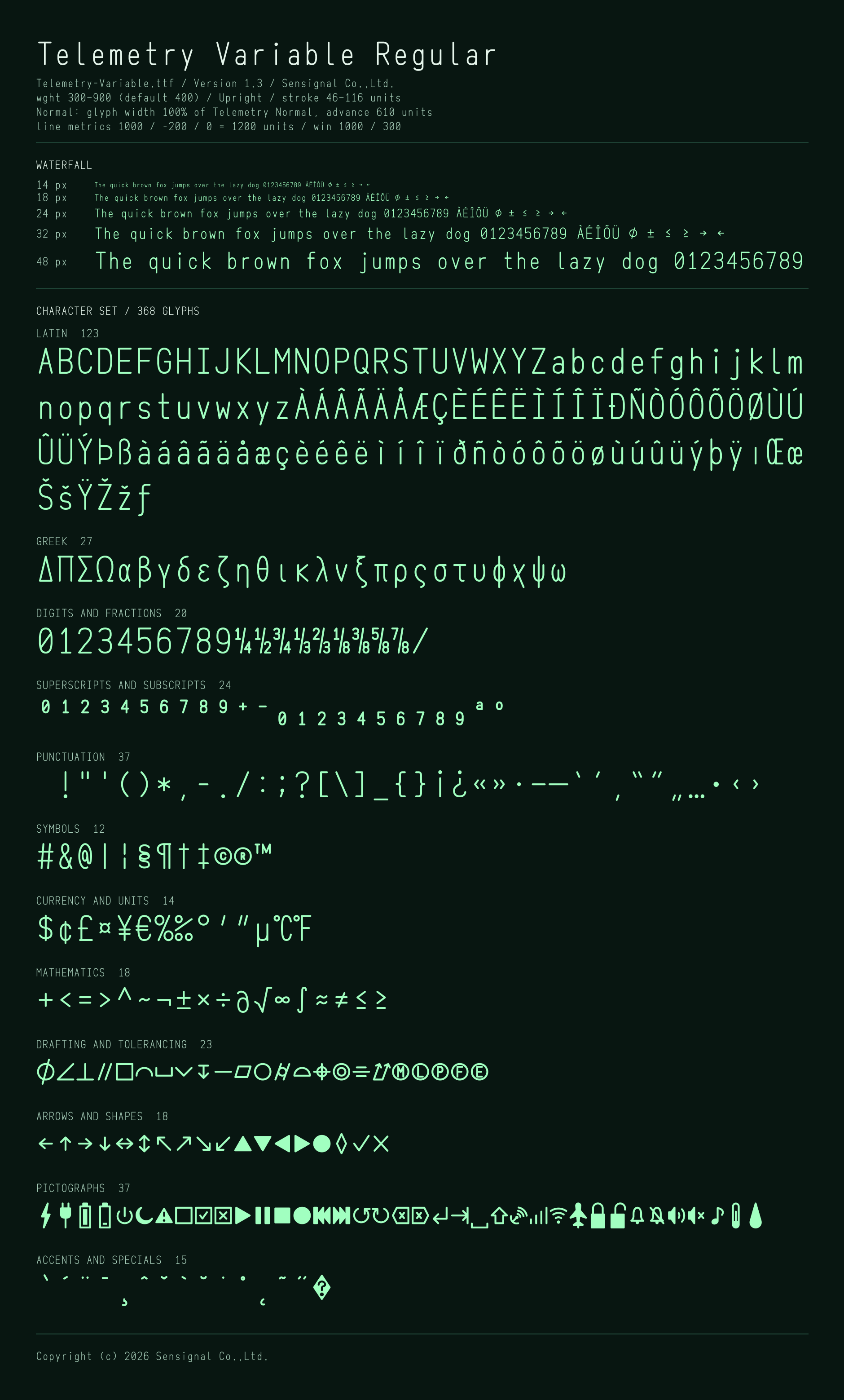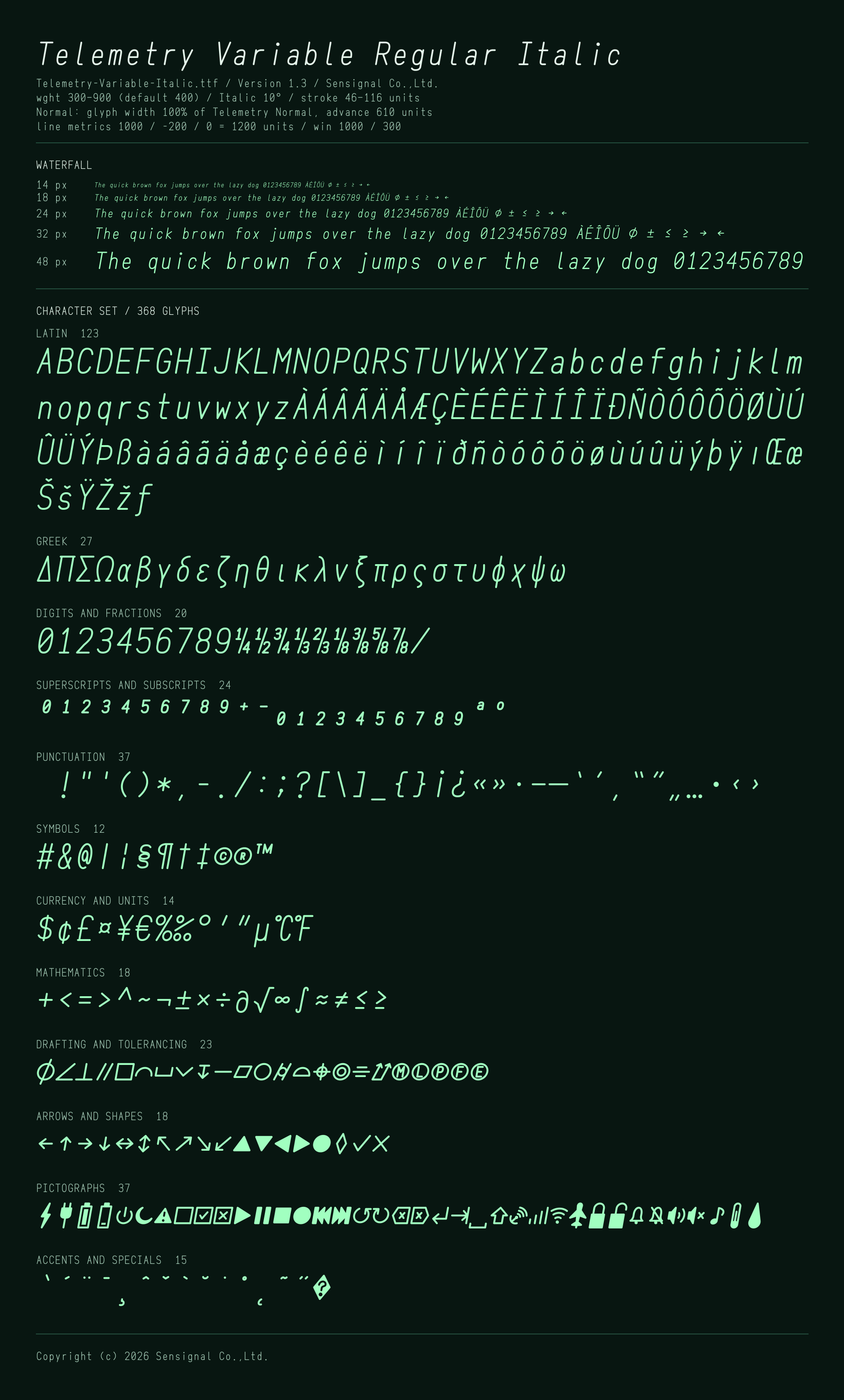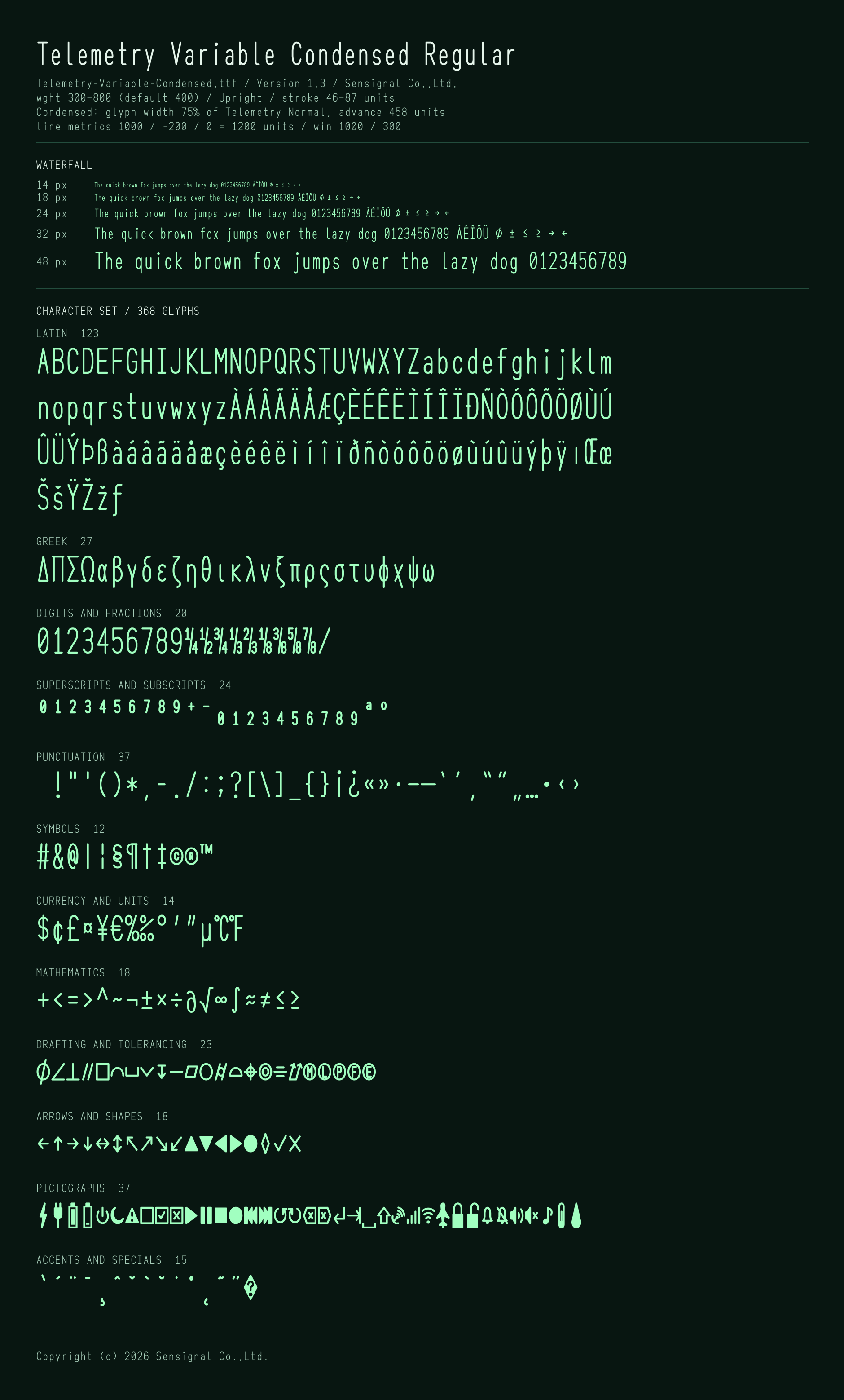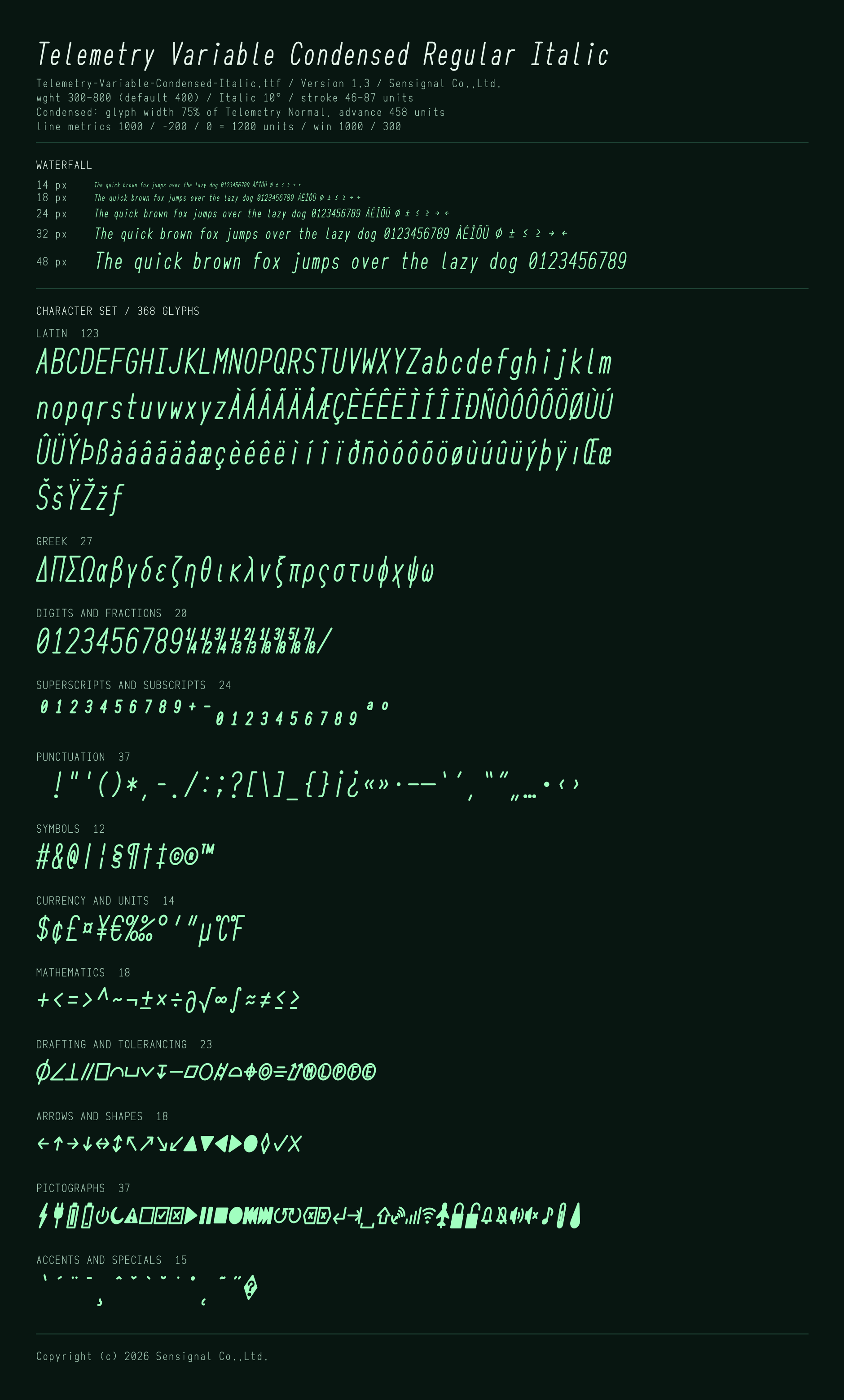
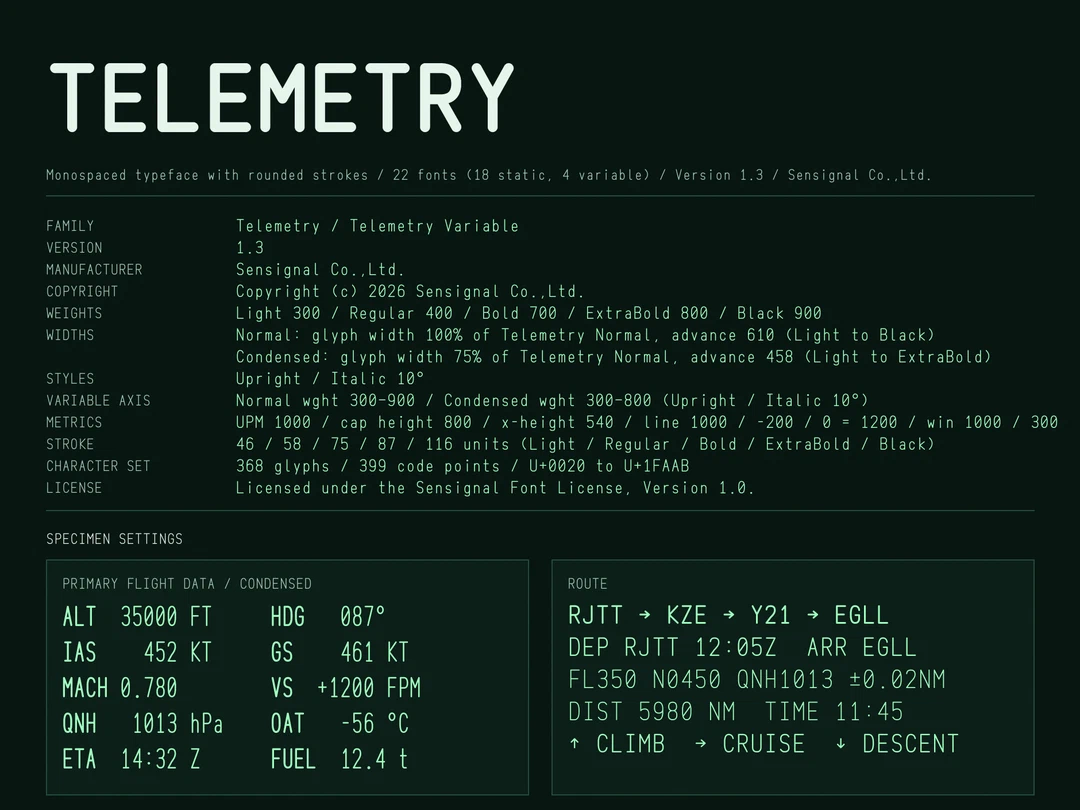
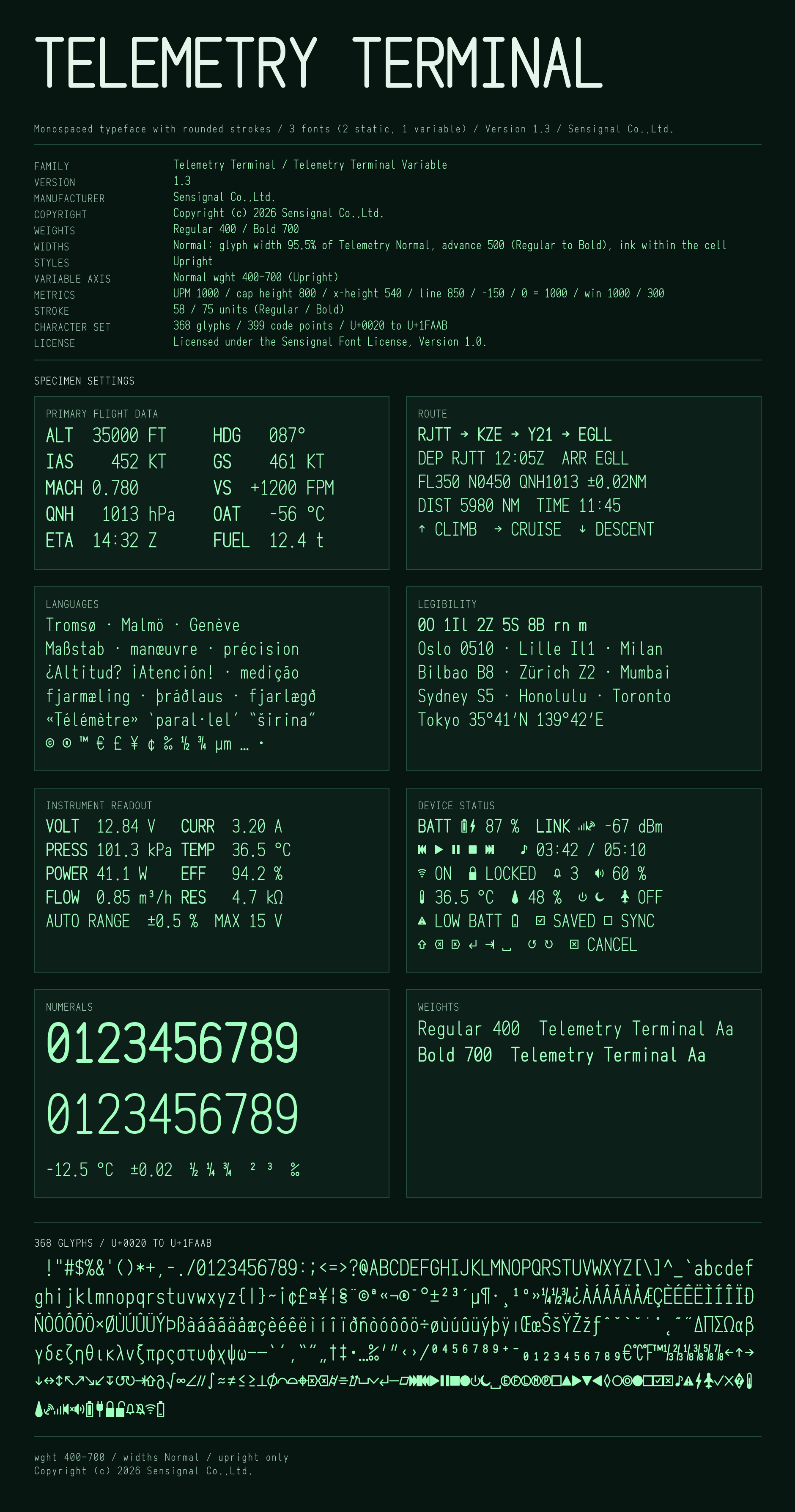
Telemetry is a monospaced typeface made for lettering on drawings, for the displays of measuring instruments and embedded devices, and for technical documents. Wherever it is used, it keeps the same dimensions; that comes before decoration. The package also includes Telemetry Terminal, built from the same glyphs for terminal displays.
-
Telemetry
-
Telemetry Terminal
About Telemetry
Dimensions and placement
- Every character has the same width. Every advance width is the same, including that of the box shown in place of a character the font does not contain. The advance width does not change with the weight, and it is the same at the intermediate weights of the variable fonts. The fonts can be used as they are for column-aligned displays and for estimating text widths from character counts.
- Every weight and style comes out the same size for the same specified height. For software that scales text by a reference height stored in the font (CAD, for example), that reference value is the same in every font. In such software, the cap height is 61.5% of the specified height.
- Changing the weight does not change the width or height of the letters. The baseline, the x-height and the cap height are in the same positions at every weight, and the extra stroke weight is added inside the letters. Baselines and heights stay aligned when different weights are set side by side.
- Characters sit at the optical center of their cell. Asymmetric letters (J K k r f, brackets and so on) are placed where common monospaced typefaces place them, and brackets are shifted toward the characters they enclose. No string looks shifted to one side, and columns stay aligned over any number of lines.
Strokes and weights
- Letters and symbols are all drawn with strokes of one weight. Stroke ends and corners are rounded.
- Dots are drawn large. At Regular, the period and the dots of i and j are twice the stroke weight in diameter (the dots of the colon and similar marks are a little smaller). Small dots are easy to miss, easy to mistake for dirt, and can disappear as a display ages. As the strokes get heavier the dots grow no further; at Black their diameter equals the stroke weight.
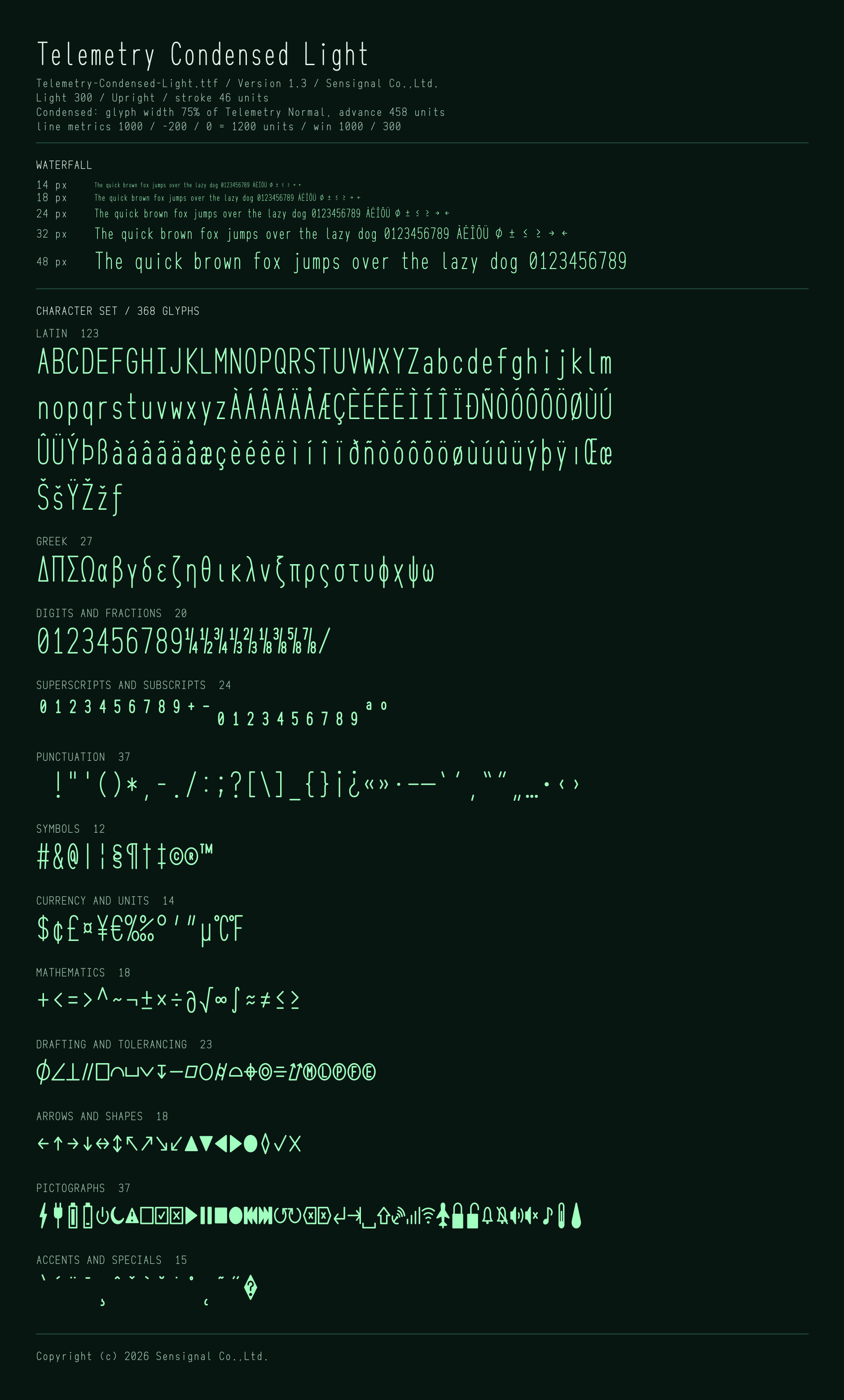
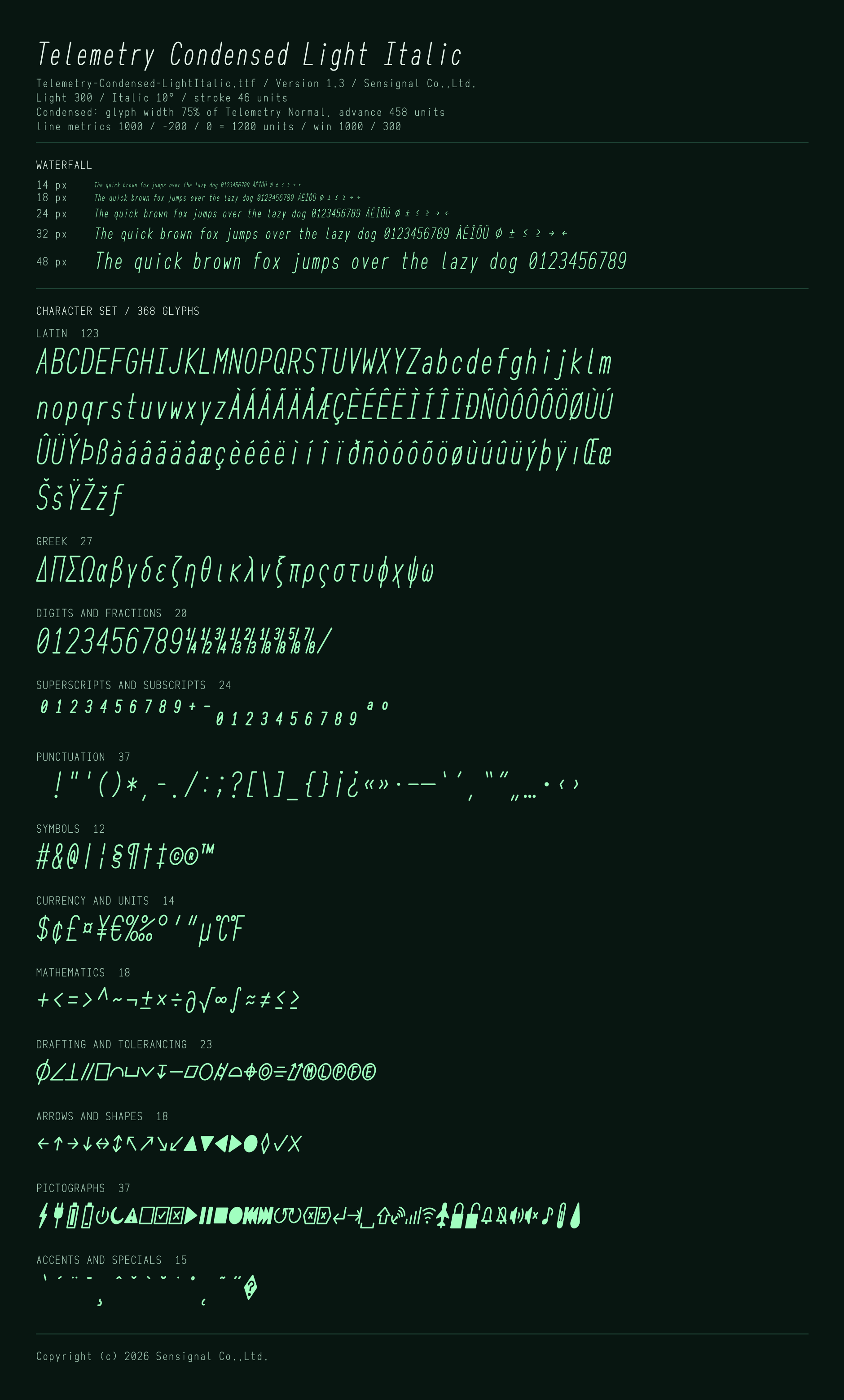
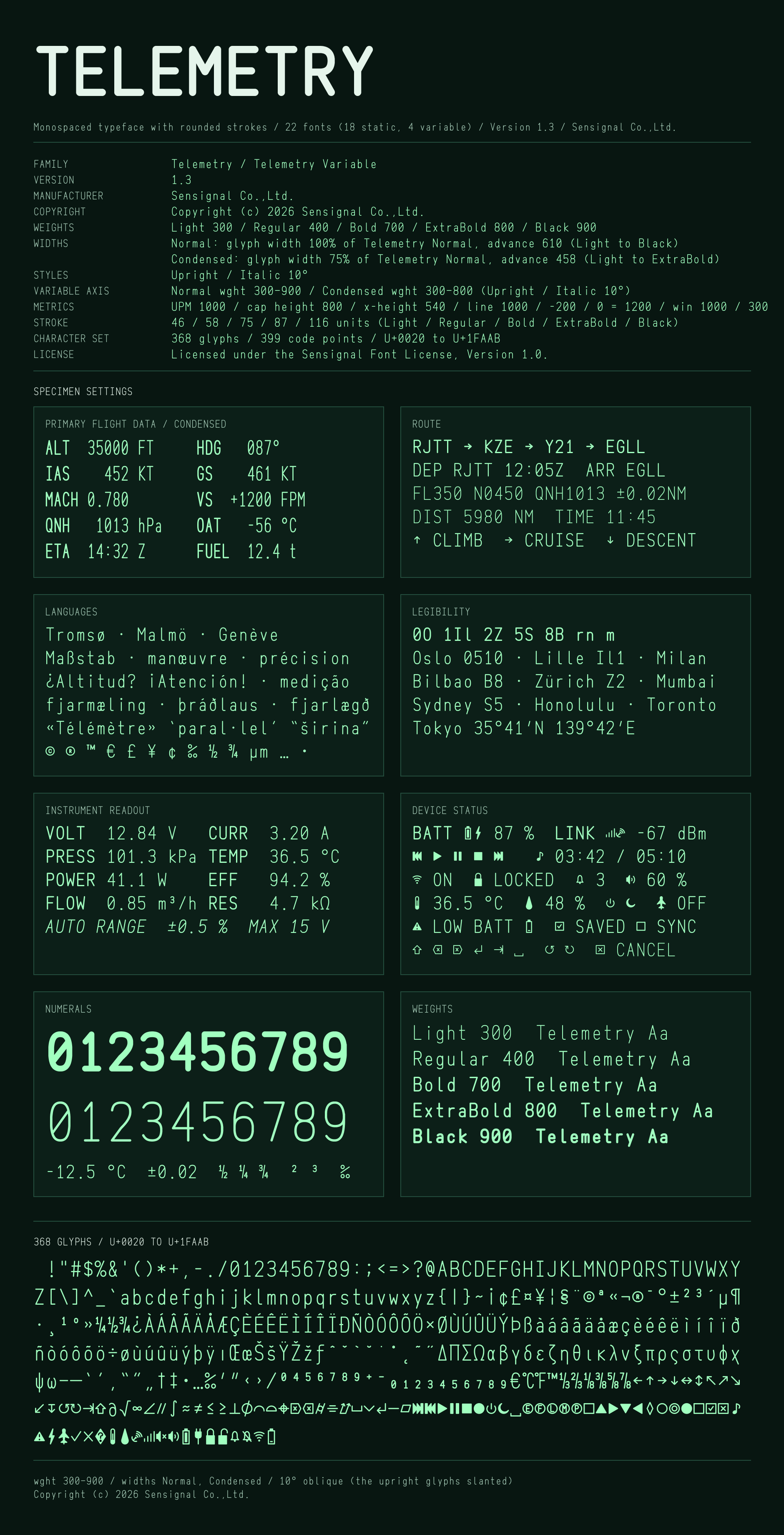
- There are five weights: Light, Regular, Bold, ExtraBold and Black. Condensed, at 75% of the normal width, has the four weights other than Black. The variable fonts cover this range of weights continuously.
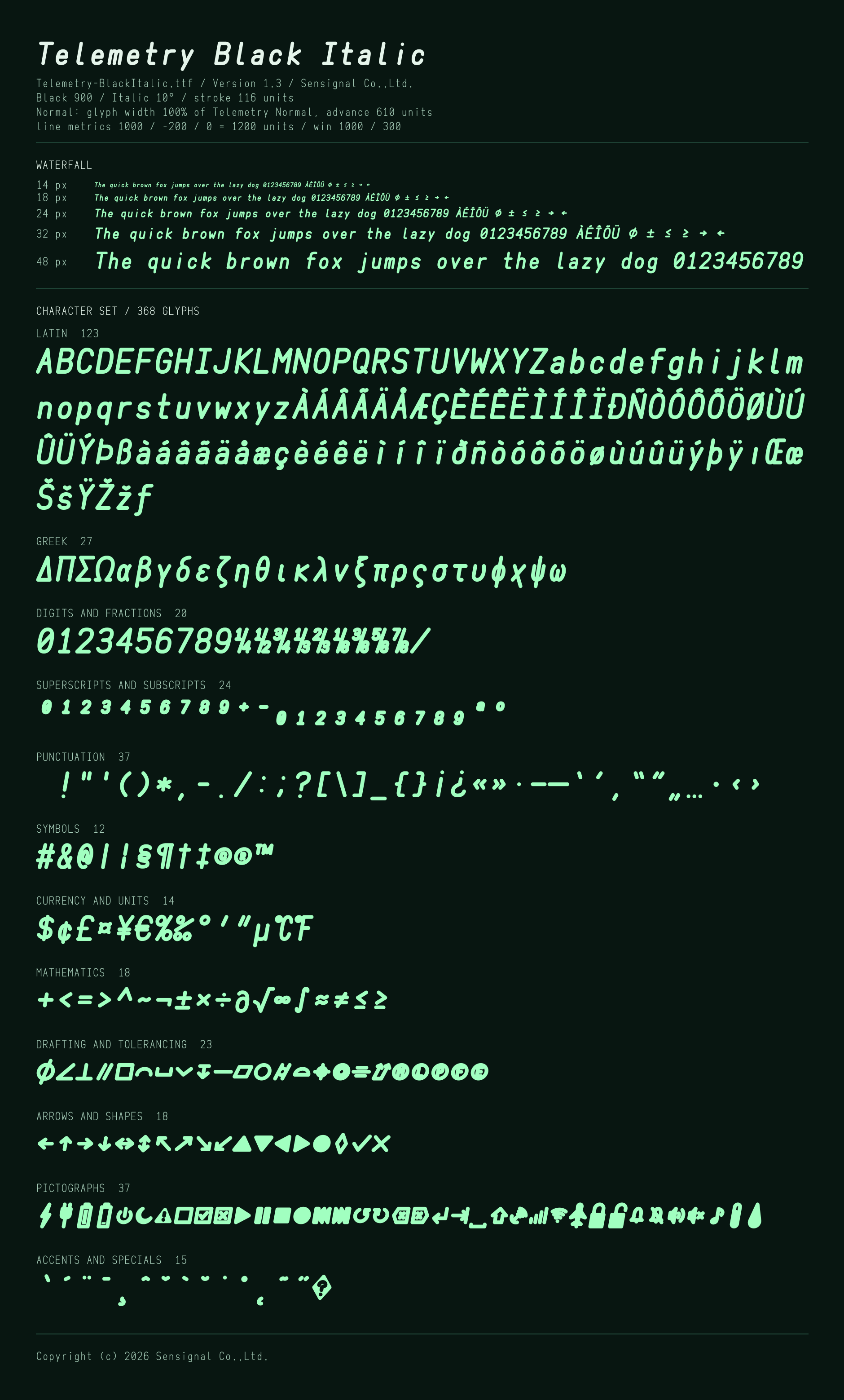
- The italic is an oblique slanted by 10°. The glyphs are the upright ones, slanted without changing their dimensions.
Telemetry Terminal
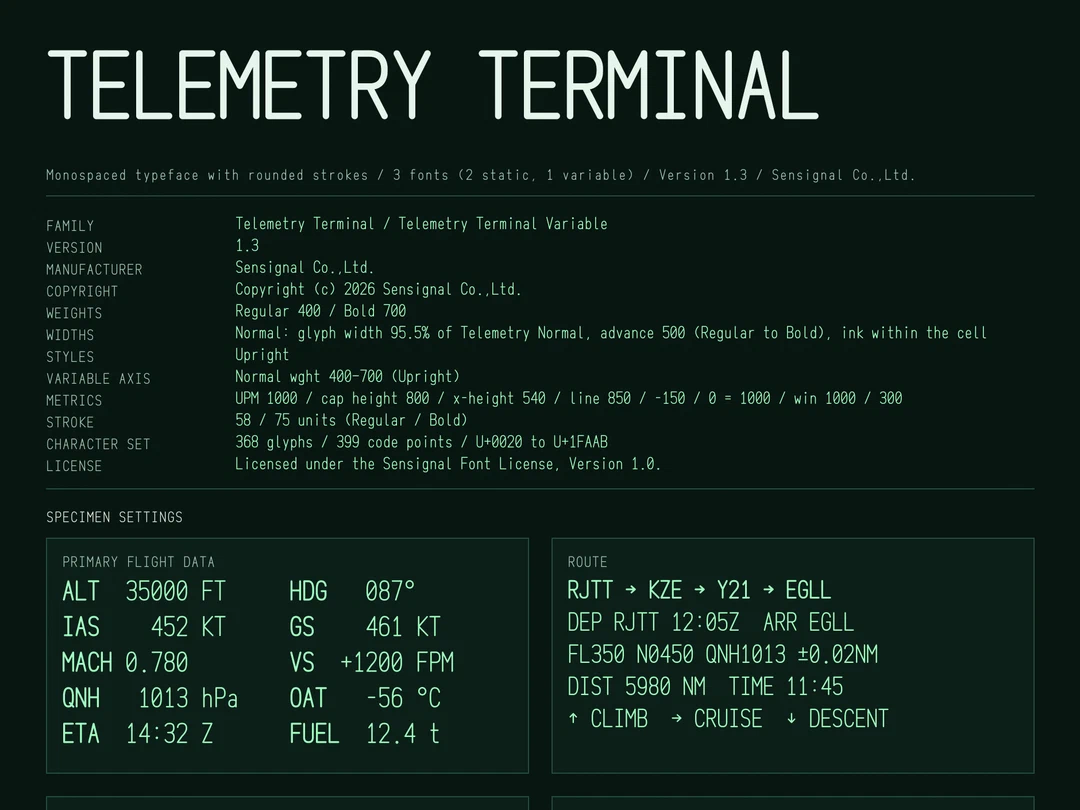
- A typeface with a 2:1 character cell for terminals and embedded displays. The character cell is 500 units wide and the line spacing is 1000 units, so the character width is exactly half the line height.
- The glyphs are those of Telemetry, filling the cell. At Regular, a capital H is 80% of the cell width. Symbols wider than the cell (% © ®, fractions, dashes and so on) are narrowed to fit inside it.
- The weights are Regular and Bold; there is no italic. The variable font covers Regular to Bold continuously.
- The cap height, x-height, stroke weight and dot size are the same as in Telemetry. Set next to Telemetry of the same version, the letters match in height and stroke weight.
Symbol heights
- The middle dot and the bullet (· •), the guillemets (« » ‹ ›) and the bar of ¬ sit at the vertical center of the cap height. That is the height of the hyphen, the plus sign and the colon. It is higher than the convention of Latin type (the middle of the x-height), so that technical notation such as N·m and 1·2 looks natural.
- Mathematical and drafting symbols (= < > ≤ ≥ ≠ ∥ ∠ ⊥ and so on) are centered at the same height. They do not shift up or down next to the plus sign.
Character set and glyphs
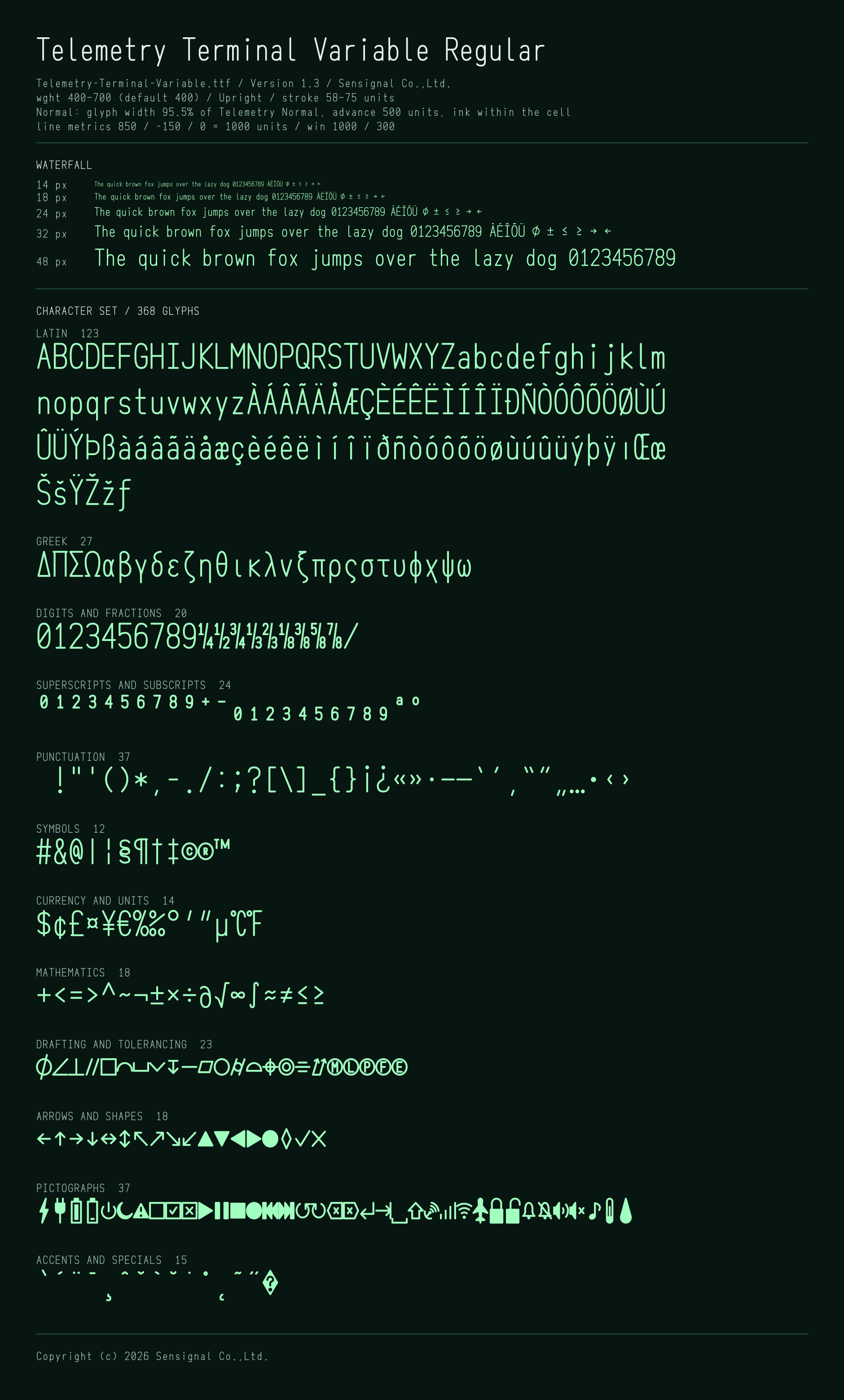
- Character set. ASCII, every character of Windows-1252 and Macintosh Roman (except the ligatures fi fl and the Apple logo), the arrows ← ↑ → ↓ ↔ ↕ ↖ ↗ ↘ ↙, the drafting symbols ⌀ ∠ ⊥ ∥ and the primes ′ ″, the dimensioning symbols □ ⌒ ⌴ ⌵ ↧, the geometrical tolerancing symbols ⏤ ⏥ ○ ⌭ ⌓ ⌖ ◎ ⌯ ⌰ Ⓜ Ⓛ Ⓟ Ⓕ Ⓔ, the mathematical and tolerance symbols ≤ ≥ ≠ ≈ ∞ √ ∂ ∫ ◊ ⁄, the fractions ¼ ½ ¾ ⅓ ⅔ ⅛ ⅜ ⅝ ⅞, the superscript digits and the superscript plus and minus ⁰ ¹ ² ³ ⁴–⁹ ⁺ ⁻, the subscript digits ₀–₉, the shapes ▲ ▼ ◀ ▶ ●, the check mark ✓ and the cross mark ✗, the degree Celsius and degree Fahrenheit signs ℃ ℉, monochrome icons for device displays (charging ⚡ 🔌 🔋 🪫, power ⏻ ⏾, warning ⚠, check boxes ☐ ☑ ☒, playback ⏵ ⏸ ⏹ ⏺ ⏮ ⏭, refresh ↺ ↻, keys ⌫ ⌦ ⏎ ⇥ ␣ ⇧, antenna and signal 📡 📶 🛜, airplane mode ✈, locks 🔒 🔓, notifications 🔔 🔕, volume 🔊 🔇, note ♪, temperature 🌡, humidity 💧), the Greek lowercase letters and Δ Π Σ Ω, and the replacement character �. The various spaces and hyphens, ∅ ⋅ ∙ ⟂, the ohm sign Ω and similar characters are shown with the same glyphs as their counterparts.
- ⌀ (diameter sign). The form of the drafting lettering of JIS Z 8313 / ISO 3098: a circle of x-height, crossed by a slanted line from the baseline to the cap height (at 75° in the upright fonts of normal width). The empty set sign ∅ (U+2205) is shown with the same glyph as ⌀, because some software outputs it for the diameter sign.
- Fractions. All nine have their numerator, denominator and slash in the same positions, so they line up side by side.
- � (replacement character). As in the Unicode code charts, a black diamond with a white “?”. Garbled text is obvious at a glance.
License
The fonts may be used under the terms of the Sensignal Font License, Version 1.0. The Japanese text is authoritative; the English text is a reference translation.
Within the terms of the license, the fonts may be used free of charge by individuals and organizations alike, for commercial and non-commercial purposes. The table shows how common uses are treated. See the license text for the full terms.
| Use | Status | Article |
|---|---|---|
| Make drawings and documents and distribute them, printed or as PDF | Allowed | 3, 4 |
| Embed the font in CAD or Office documents and pass them on | Allowed. Extracting the font from the document for other use is not | 4 |
| Make a logo, or modify the letterforms | Allowed | 3 |
| Set a customer’s text in the font and deliver it as labels or signs | Allowed | 3 |
| Incorporate the font into apps or devices and sell or provide them | Allowed. The font must be incorporated so that it cannot easily be extracted, and the font name and the name of the rights holder must be shown where end users can easily find them | 5 |
| Incorporate the font into apps or devices without that notice | Separate agreement required | 6 |
| Serve the font as a web font | Separate agreement required | 6 |
| Provide a service in which customers or other third parties render their own text in the font | Separate agreement required | 6 |
| Hand over, publish or sell the font files | Not allowed. Redistributing the font requires a separate agreement | 6, 7 |
| Create another font that contains its glyphs, including by combining it with other fonts | Not allowed | 7 |
| Hand over or sell its glyphs as collections of images or outlines of individual characters | Not allowed | 7 |
| Use the font in content that offends public order or morals | Not allowed | 7 |
Version
- 1.3 (October 2026)